Three-Screen Portable Monitors Demand Serious Compromises
The KYY X90G offers four displays in a compact form factor, but its design creates visual fragmentation and portability trade-offs that limit its appeal to niche use cases.
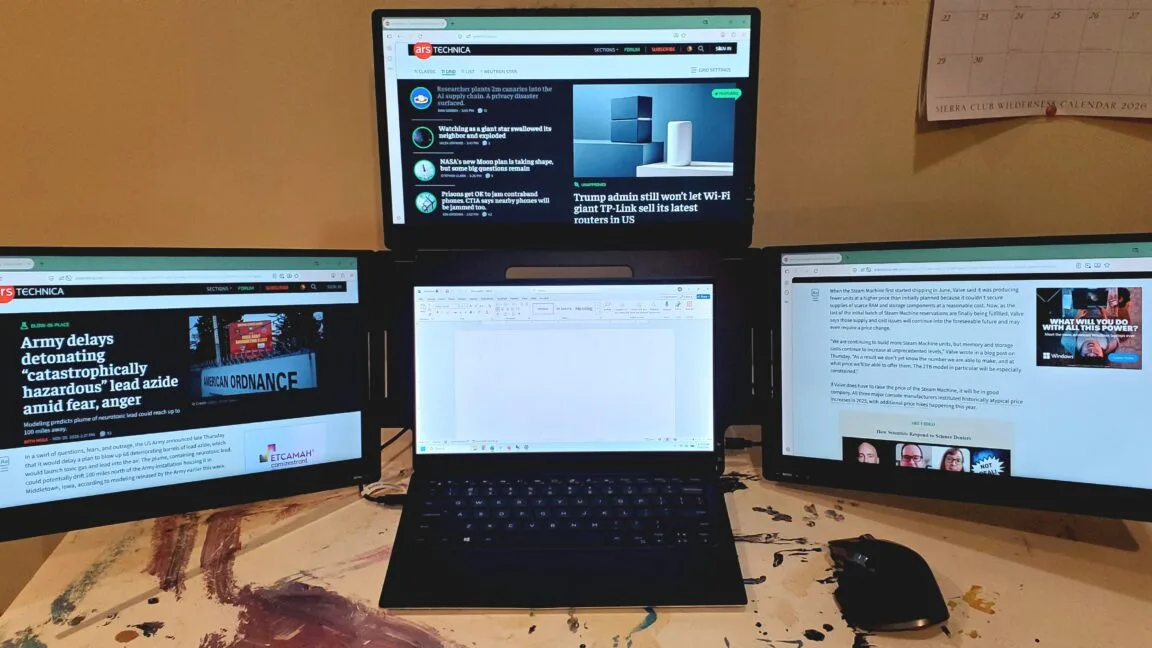
Maximizing workspace in confined environments drives interest in portable display solutions. For those working at cramped desks, small offices, or frequently moving between locations, adding screen real estate becomes a priority. Dual-screen portable monitors have proven effective, but the logical extension—three-screen portable displays—presents a different set of challenges.
The KYY X90G ($360) represents this category of device, featuring three 15.6-inch IPS screens arranged with two flanking the laptop display and one positioned above it. Each panel delivers 1920×1080 resolution, individual control buttons, and brightness ratings up to 400 nits. This layout distinguishes it from competing tri-screen monitors that stack all three displays above the laptop, which forces repeated eye movement between viewing areas.
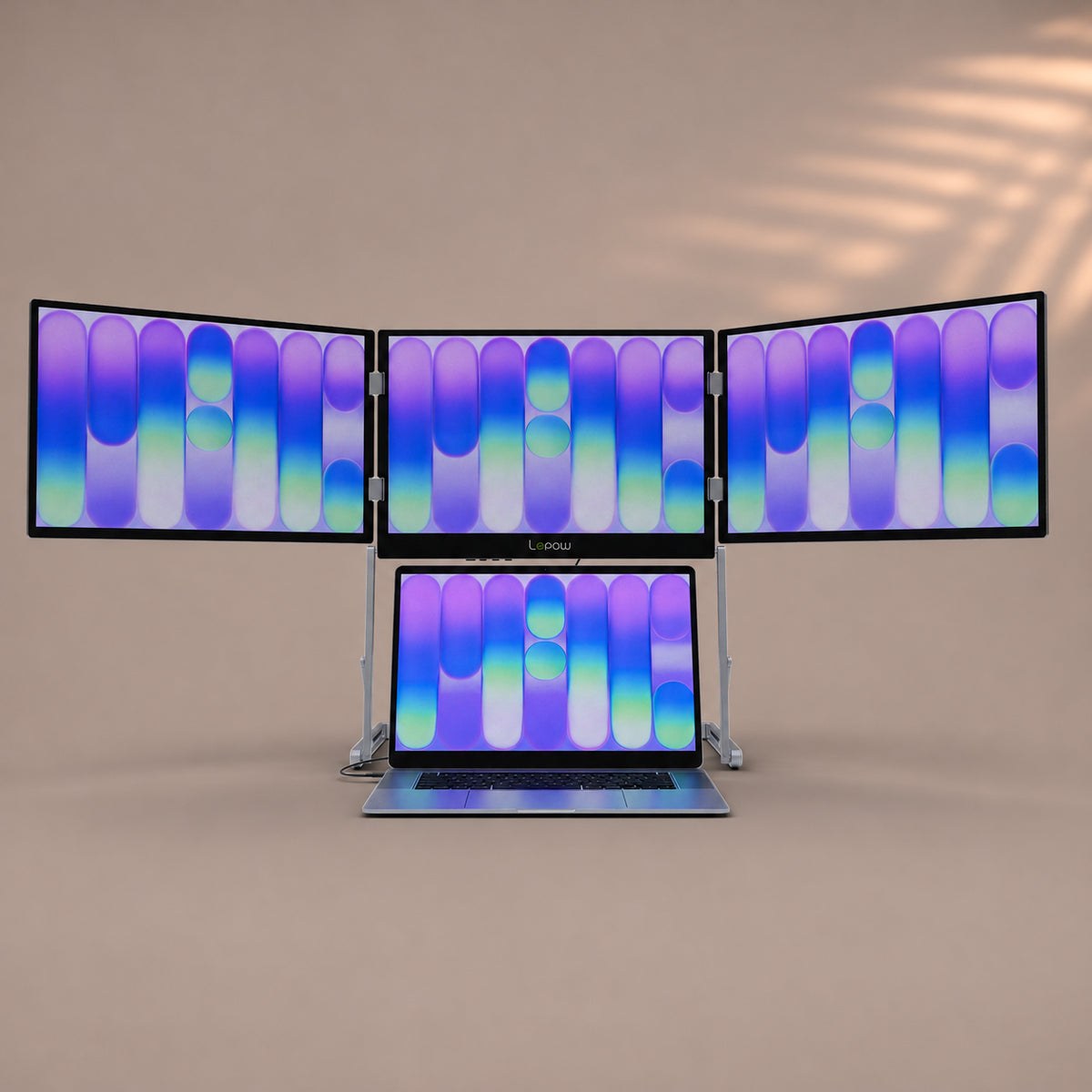
The X90G supports broader platform compatibility than rivals, functioning with Linux and Android systems alongside Windows and macOS (M1 processor or newer). However, its mounting area accommodates laptops only up to 17.3 inches, excluding many workstations and gaming machines.
A bevy of bezels
Bezel-sensitive users should avoid tri-screen portable monitors entirely. The X90G never achieves the appearance of a single unified display; instead, it reads as four separate screens. Display alignment issues force awkward mouse movements between panels, and the back panel's kickstand design leaves portions of the monitor visible even when the laptop lid closes flush against it.
The upper display can inadvertently draw attention away from the laptop screen, particularly problematic when using a 13-inch laptop that leaves the back panel's handle opening exposed. This creates a visual stack of laptop screen, bezel, and additional display that fragments the workspace rather than unifying it.
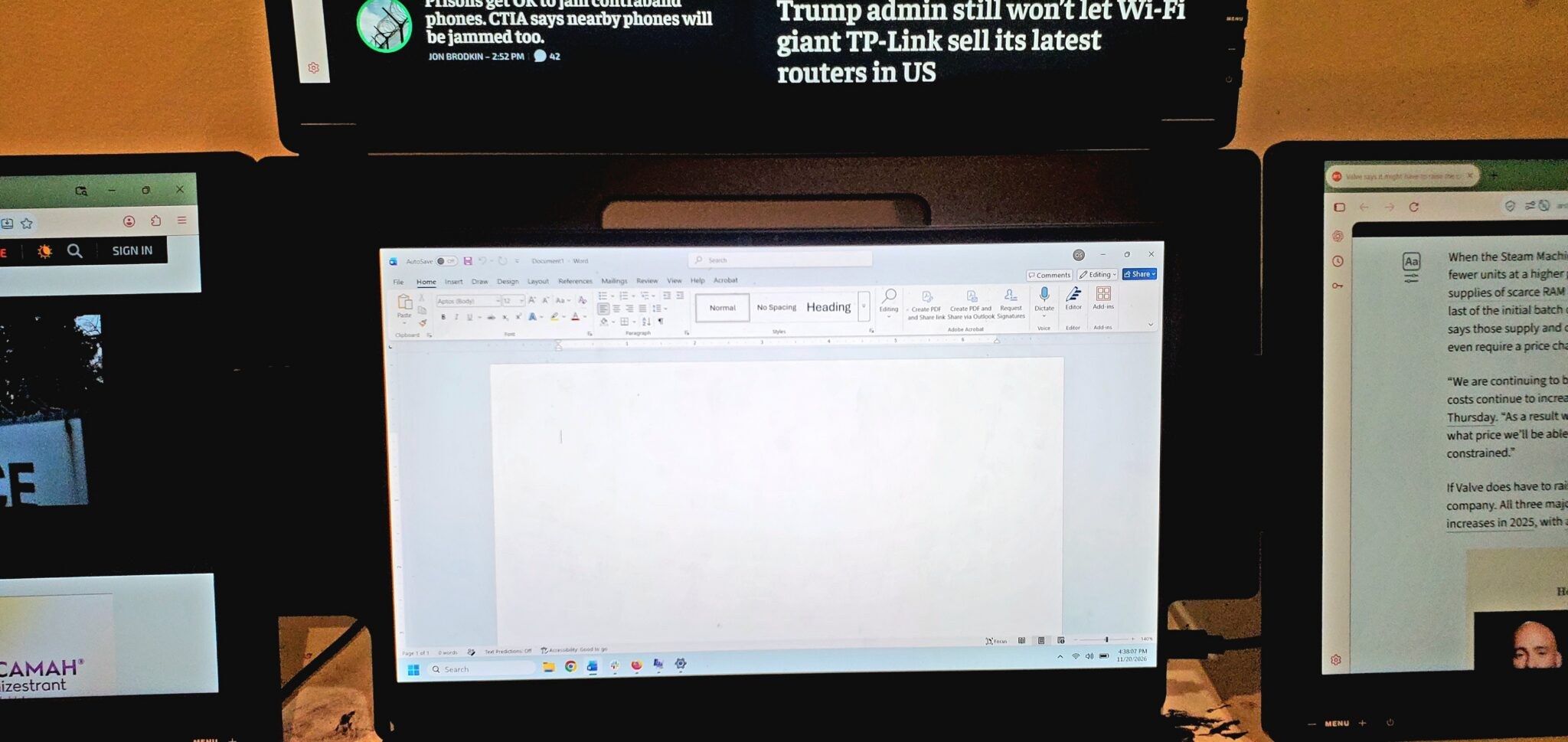
Independent screen tilting and per-display brightness controls offer genuine advantages for specific workflows. Dimming the writing surface while brightening an image-editing display, or viewing reports and reference materials across the side panels while researching on the laptop screen, becomes straightforward. The northern screen accommodates secondary tasks like email, messaging, or streaming content.
Physical space requirements present another constraint. The X90G spans approximately 46 inches across when fully extended—wider than many desks. Additional clearance becomes necessary if users want to fold the side panels inward for closer viewing. At 6.4 pounds, the device weighs more than twice some ultralight laptops, creating a portability-versus-capability tension.
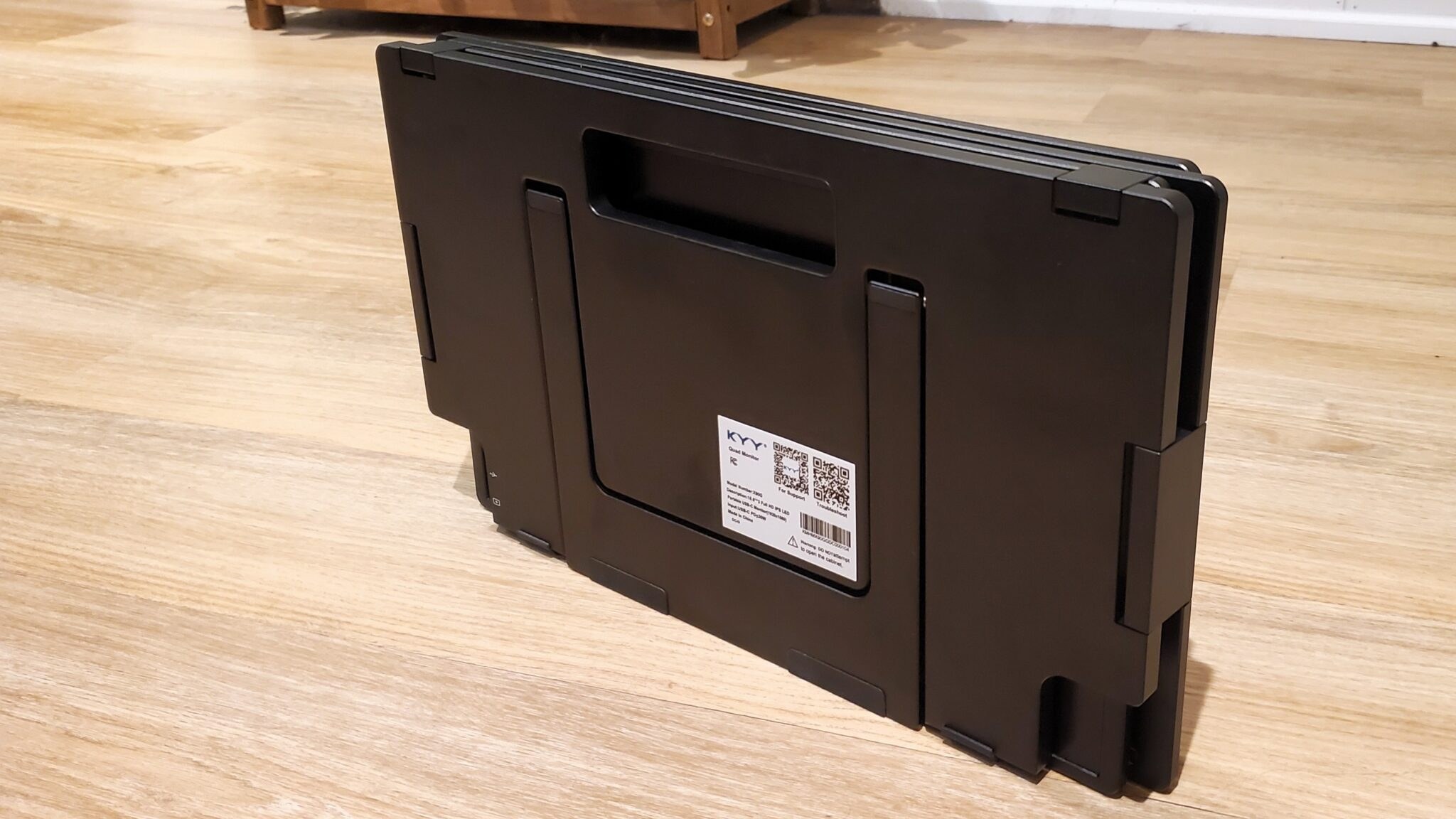
When left permanently installed with only the laptop requiring connection via USB-C, the experience transforms. Instant access to three additional screens upon plugging in delivers tangible productivity gains. This stationary use case differs markedly from the device's intended mobile application.
Sometimes less is more
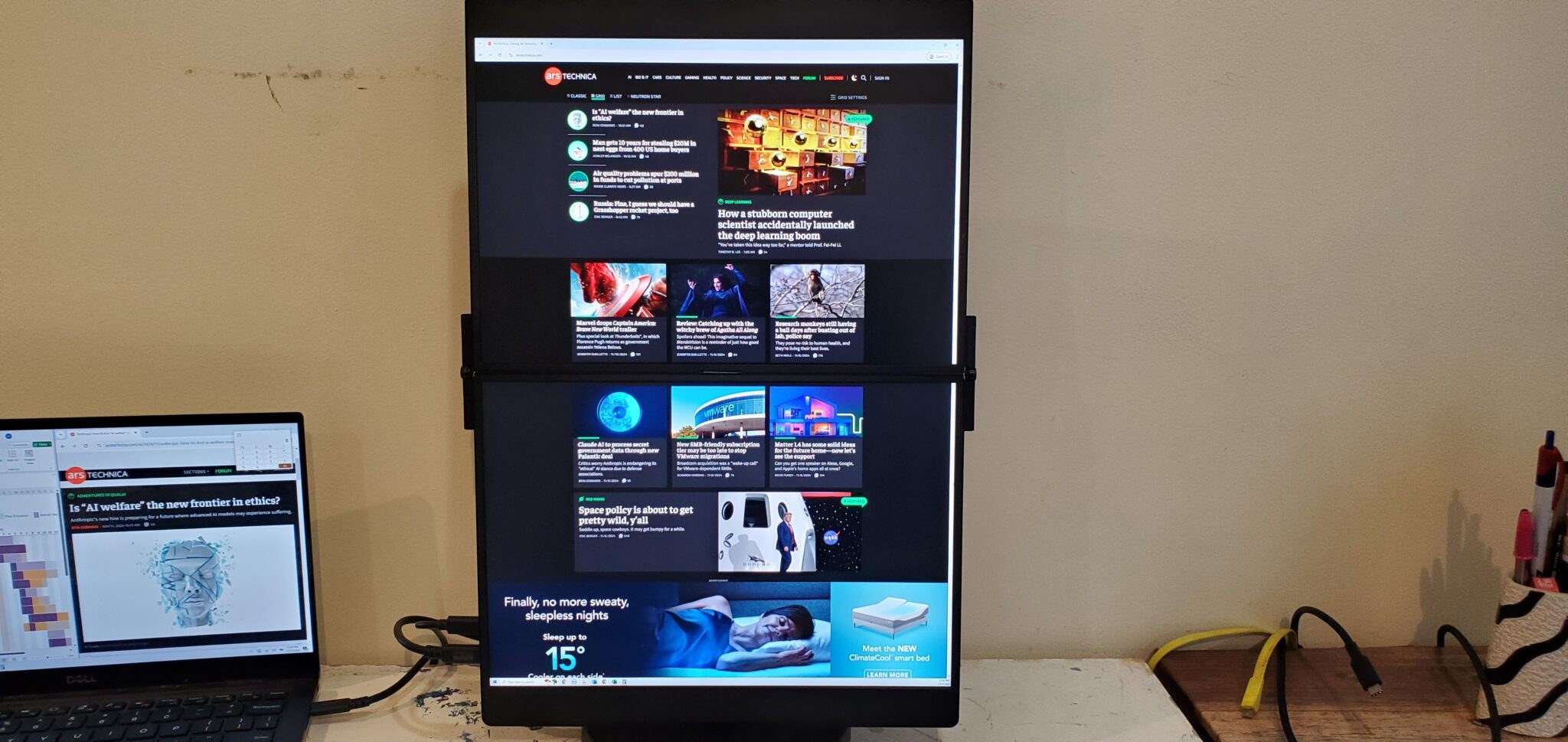
Three-screen portable monitors theoretically address space constraints, but practical implementation reveals fundamental trade-offs between portability and usable screen area. While the X90G quadruples available pixels, the displays function as separate entities rather than a cohesive workspace. Unlike some dual-monitor setups that approximate a larger unified display, tri-screen monitors cannot achieve this visual continuity.
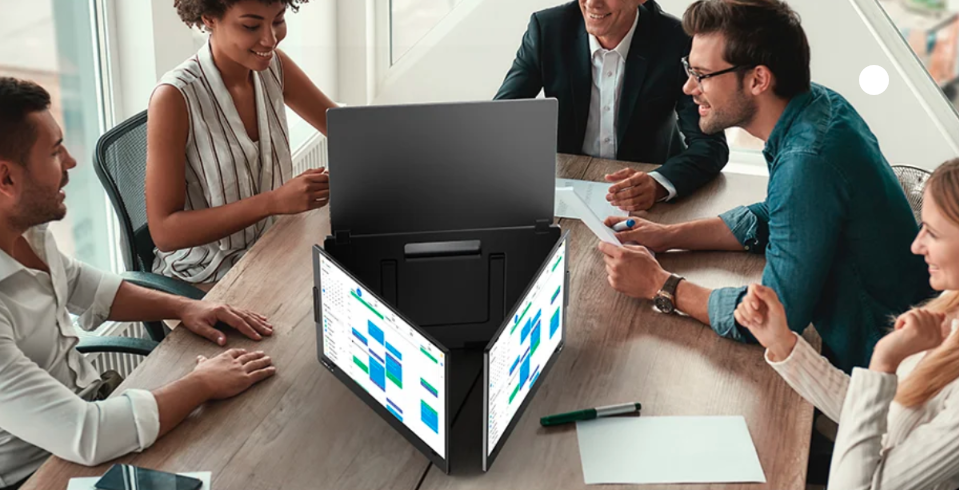
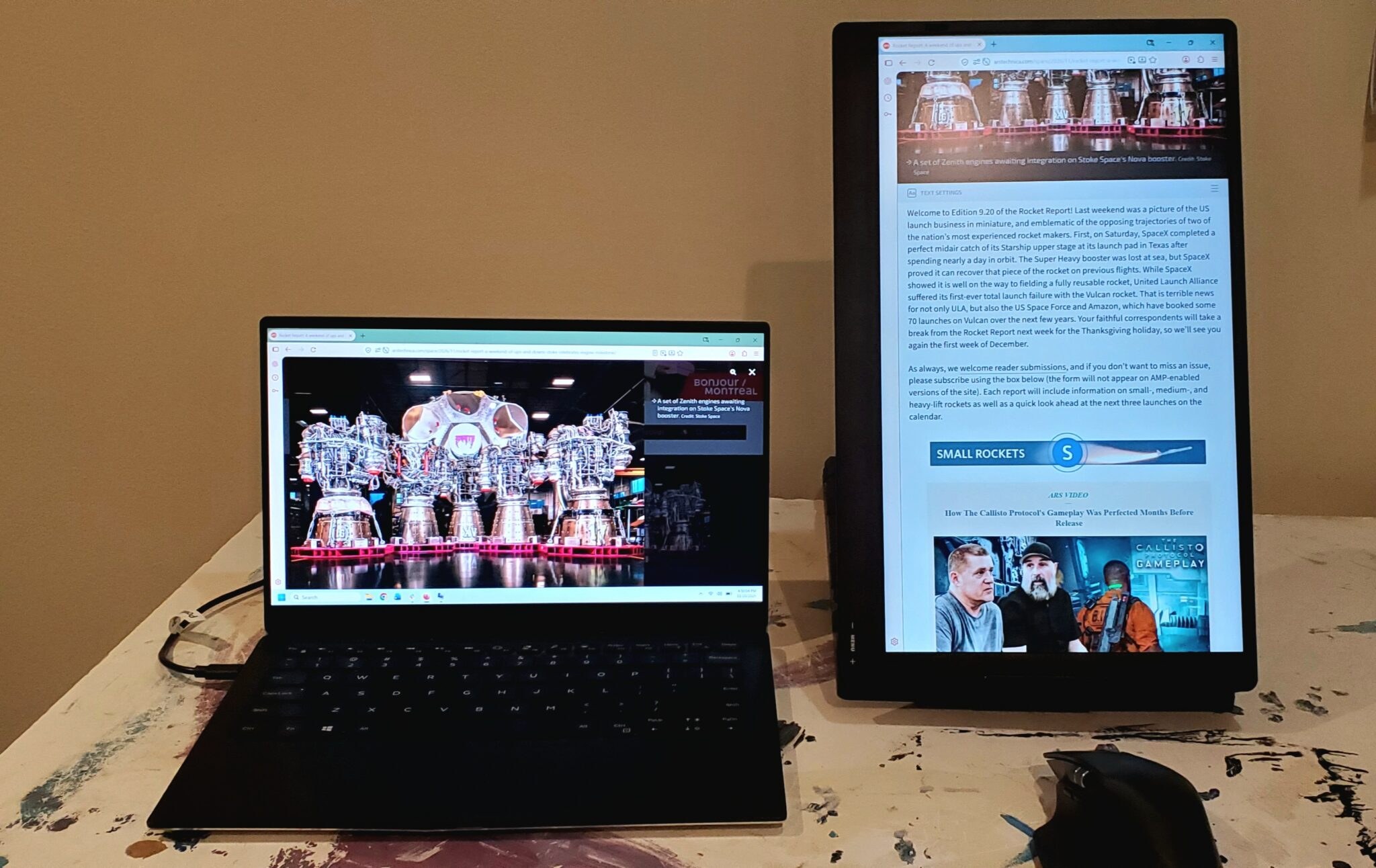
Tri-screen monitors excel at specific tasks unavailable to other configurations, particularly facilitating information sharing with colleagues. For traditional portable monitor applications—seeking transportable screen expansion or maintaining clean, distraction-free workspaces—three screens likely constitute overkill rather than optimization.