Nextcloud Brings Office Suite to Desktop With Open-Source Editors
Building on its browser-based editors, Nextcloud has released a desktop application for document work that draws from Euro-Office's DesktopEditors codebase and targets users seeking local-first productivity.
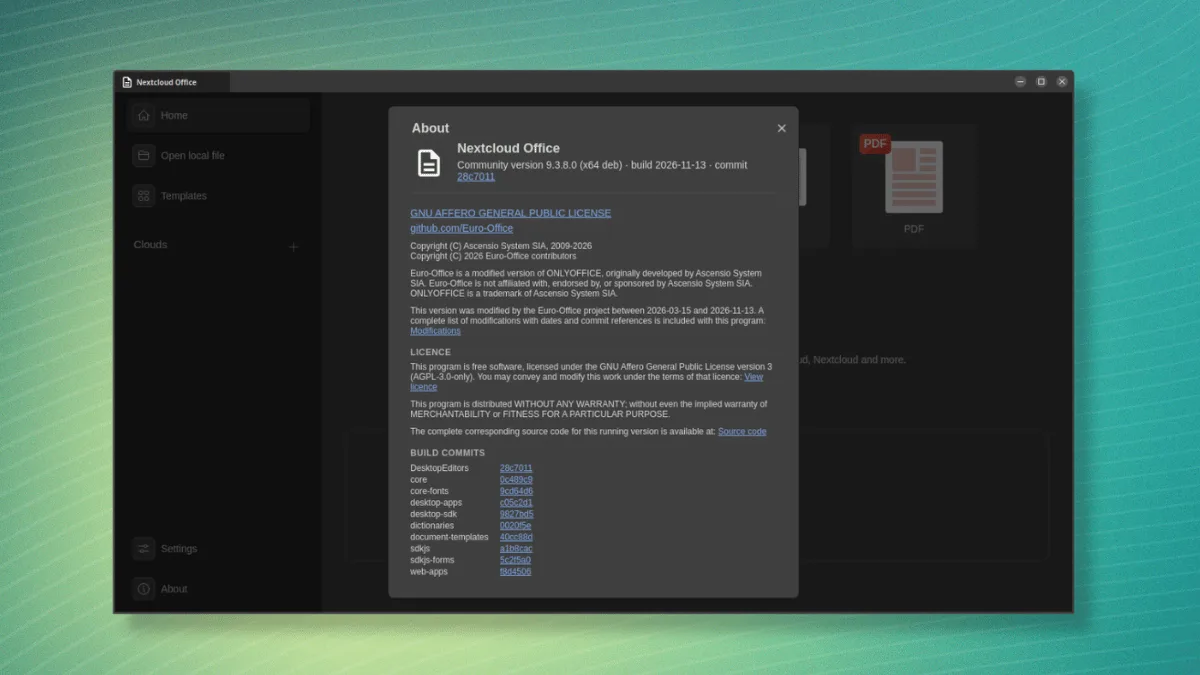
While Nextcloud's office tools have long functioned within web browsers, the company recently unveiled a desktop application designed to serve users who prefer managing documents on their machines rather than exclusively online. The software stems from Euro-Office's DesktopEditors code—a project backed by a coalition of European firms including Nextcloud, IONOS, Proton, Open-Xchange, and Tuta.
The initiative centers on delivering open and independent document editing capabilities. Euro-Office released its first production-ready version in June, and the underlying technology represents a modified implementation of ONLYOFFICE.
Nextcloud Office: Is it for you?
The suite bundles four distinct editing tools. A Document editor handles written content such as reports and correspondence, a Spreadsheet editor manages numerical data and tables, a Presentation editor creates slideshows, and a PDF editor enables viewing and modification of portable documents.
These editors work across Microsoft Office and OpenDocument formats, encompassing DOCX and ODT files, XLSX and ODS spreadsheets, and PPTX and ODP presentations.
Users control where their documents reside. Some files can remain stored locally while others sync to cloud storage, with offline editing preserved for locally-stored content.
Connecting to Nextcloud happens through the "Home" page's "Clouds" sidebar option, which allows adding instances via URL and authentication. The application supports multiple instance connections simultaneously.
Euro-Office, but different
Nextcloud Office represents the company's signed distribution of the same DesktopEditors source code that Euro-Office maintains, though tailored specifically for production environments rather than development or testing.
On Linux systems, Nextcloud provides signed APT and DNF repositories, allowing the application to receive updates through the standard system package management process.
Windows and macOS versions arrive as signed packages, verifying their integrity and making them suitable for enterprise device management scenarios.
The Euro-Office community distributions originate from identical source code but lack signatures. These versions are positioned for experimental use and developer participation, distributed solely through GitHub releases without dedicated package repositories. The project discourages their deployment in regulated settings or managed rollouts, and Nextcloud integration receives only best-effort support.
In contrast, Nextcloud Office undergoes rigorous testing coordination with Nextcloud releases and receives comprehensive quality assurance.
Support arrangements follow this distinction. Nextcloud Office includes an Enterprise subscription tier offering both community and dedicated assistance, whereas community builds rely exclusively on volunteer support.
A brief test
During initial evaluation, the suite demonstrated support for multiple visual themes including Dark, Contrast Dark, and Modern Dark variants, along with adjustable interface scaling and hardware-accelerated graphics rendering.
The application successfully integrated with system fonts available on an Ubuntu installation and shipped with artificial intelligence capabilities enabled by default. Users preferring to avoid AI features should navigate to Settings > Scroll Down > Use AI functions to disable this functionality.
Use it now
Nextcloud distributes binaries for the desktop application across Linux, Windows, and macOS platforms.