Nvidia's DLSS 4.5 and Dynamic Multi Frame Generation 5X, 6X: We test the new frame-multiplying tech
Nvidia's latest software update brings Dynamic Multi Frame Generation with 5X and 6X multipliers to RTX 50-series cards, automatically adjusting frame output to match your monitor's refresh rate. We've tested whether the new modes deliver smooth gameplay without sacrificing image quality.
Software gains replace hardware advances in 2026
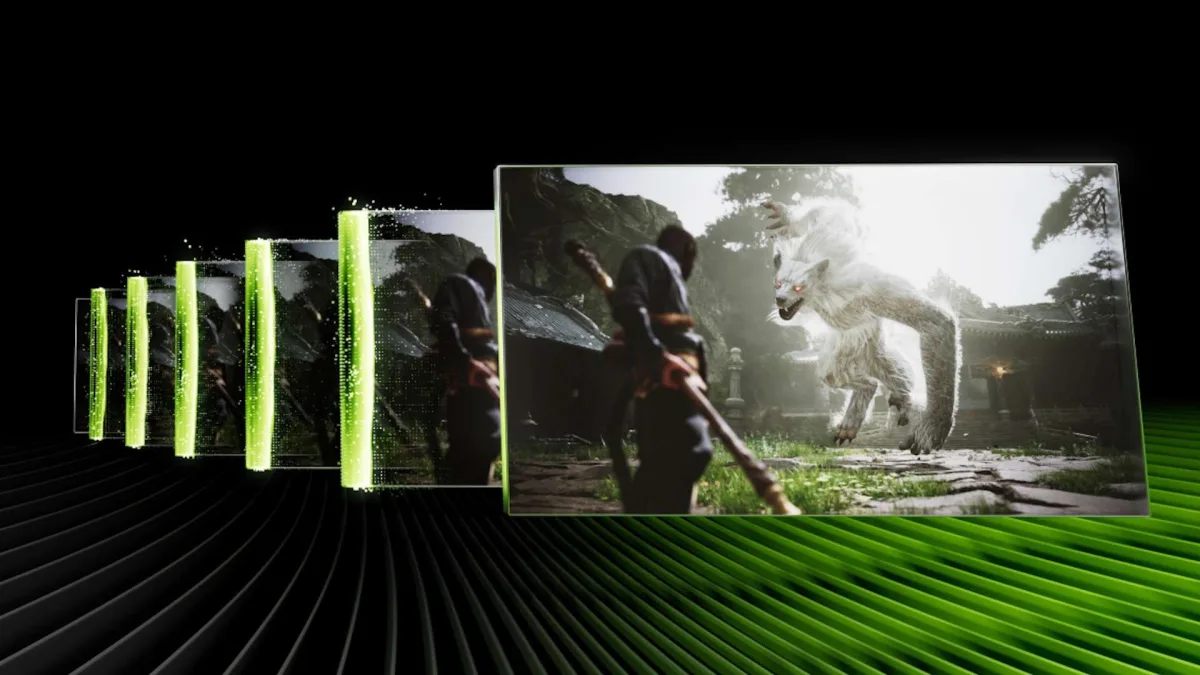
The GeForce lineup has leaned heavily on software refinements throughout 2026 as AI workloads consume the industry's most advanced processors. DLSS 4.5 upscaling debuted at CES 2026 and performs optimally on RTX 50- and 40-series hardware, though backward compatibility extends to RTX 20-series cards at reduced performance. The second major update—Dynamic Multi Frame Generation (MFG) with 5X and 6X modes—rolled out today as a beta feature in the Nvidia App, available exclusively for RTX 50-series GPUs.
Previously, MFG offered only fixed 3X or 4X multipliers alongside the baseline 2X framegen from RTX 40-series. These static options forced users to choose between output frame rates that either exceeded or fell short of their monitor's peak refresh rate. Dynamic MFG addresses this limitation by automatically shifting multipliers during gameplay to maintain a user-defined target frame rate, with the new 5X and 6X modes serving as additional gears for the system to engage.
Getting Dynamic MFG running
Activating Dynamic MFG requires the latest Nvidia App paired with driver version 595.97. The app's graphics settings contain a global Frame Generation Mode override where users can enable Dynamic mode, specify a target frame rate (typically their monitor's maximum refresh rate), and optionally set a maximum multiplier cap. Not all games support the feature; Nvidia maintains a compatibility list accessible through the app, which displays whether a given title works with the global Dynamic MFG override.
Once the global toggle is active, enabling MFG within compatible games should automatically engage Dynamic MFG. The latest Nvidia App version allows users to verify that DLSS MFG, upscaling, and ray reconstruction are functioning correctly by pressing Alt + Z to open the overlay and selecting the most detailed reporting mode.
Smoothness, responsiveness, and image quality
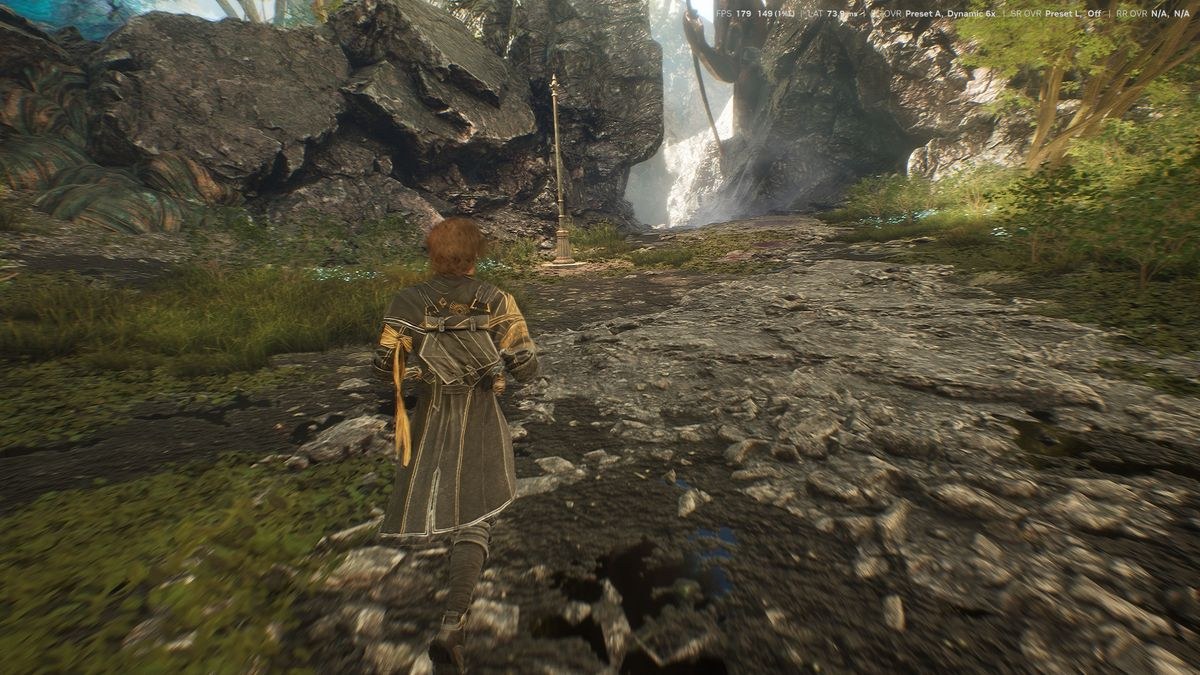
Testing revealed no stutters or hitches as Dynamic MFG shifted between multipliers during gameplay. While the Nvidia App performance overlay shows each multiplier change, the transitions appear seamless to the naked eye, likely smoothed by variable-refresh-rate displays. The new 5X and 6X modes produce output that is largely unnoticeable in practice, a remarkable achievement given the skepticism one might reasonably harbor about generating four or five extra frames from a single input frame.
Minor artifacting does surface in certain titles when examined closely. Clair Obscur: Expedition 33 exhibited ghostly trails along the edges of character animations and noisier shadows at motion, issues that intensify slightly with 5X and 6X compared to 4X. Hogwarts Legacy and Cyberpunk 2077 showed mild ghosting or raggedness at the screen's bottom edge during motion, though these artifacts remain outside typical focal points. Beyond these minor concerns, the combination of MFG multipliers up to 6X and DLSS 4.5's enhanced upscaling models enables high-refresh-rate gaming on lower-end cards at previously unattainable settings.
As a demonstration, Cyberpunk 2077 becomes fully playable at 240 FPS on an RTX 5070 using MFG 6X and DLSS 4.5 Ultra Performance with Preset L at ultra settings and path tracing enabled, achieving approximately 52 ms input latency. Input latency measurements across framegen off, 2X, 4X, and forced 6X modes remained consistent with Nvidia's claims, showing no significant increase from the additional frames.
Performance scaling across multiplier modes did not track as cleanly as expected during testing. With an RTX 5080 in Cyberpunk 2077 using DLSS Performance at 4K with path tracing, average frame rates captured by FrameView fell short of the theoretical gains each multiplier should provide, despite the card's considerable power. Investigation into this discrepancy is ongoing, with further details to follow.
Unlike dynamic resolution or upscaling modes that visibly compromise image quality to sustain frame rates, Dynamic MFG preserves the highest practical image quality while transparently adjusting output frame rates. It represents the closest dynamic performance mode has come to allowing users to stop worrying about output FPS during gaming, moving toward a future where frame rate functions as a simple setting rather than a hard silicon limitation.
Bottom line and what's next
For those already convinced of MFG's benefits, Dynamic MFG with expanded multipliers transforms framegen into a set-and-forget feature. The process involves enabling Dynamic MFG globally, entering your monitor's peak refresh rate as the target, selecting in-game quality settings that produce acceptable input latency, enabling MFG in-game, and allowing the system to manage multipliers automatically. No stutters or hitches accompanied multiplier shifts during testing, and users no longer need to manually adjust MFG settings to stay within their display's refresh rate range.
The central question remains whether Nvidia's AI model can successfully generate four or five additional frames from the same limited input data that MFG already processes. Testing confirms that the 5X and 6X modes work effectively without introducing new or worse visual artifacts than previous versions, and input latency does not increase substantially in exchange for the extra frames.
For users with Blackwell GPUs and high-refresh-rate monitors who have not yet tried MFG, Dynamic MFG and its 5X and 6X modes merit experimentation. The feature can be disabled if unsatisfactory. However, MFG remains a performance enhancement tool rather than a panacea. It operates only within the baseline performance a given graphics card can deliver and cannot enable weaker cards to run more demanding settings than they otherwise could—that remains DLSS upscaling's domain. Excessive settings on underpowered GPUs will still produce unplayable input latency regardless of MFG's new capabilities.
Users still operating 1080p or 60Hz monitors alongside any 12GB or 16GB Blackwell GPU capable of running MFG should seriously consider upgrading. DLSS 4.5's upscaling fidelity in Performance and Ultra Performance presets means high-refresh-rate 1440p or 4K displays no longer demand top-tier graphics cards for fluid, responsive, high-quality experiences. However, 1080p monitors impose hard ceilings on upscaling quality, while 60Hz displays limit both motion fluidity and responsiveness. For those with the budget, monitor upgrades represent the best investment, as display prices remain relatively stable amid broader component cost inflation. Gaming monitor guides offer inspiration for maximizing Dynamic MFG's potential on higher-refresh-rate displays.