Logitech G502 X Lightspeed Gets Sensor Upgrade, But Price Stays Premium
A firmware update brings the G502 X Lightspeed's sensor from 25K to 44K DPI, yet the wireless gaming mouse remains priced at $159.99—matching its fancier sibling despite lacking RGB lighting.
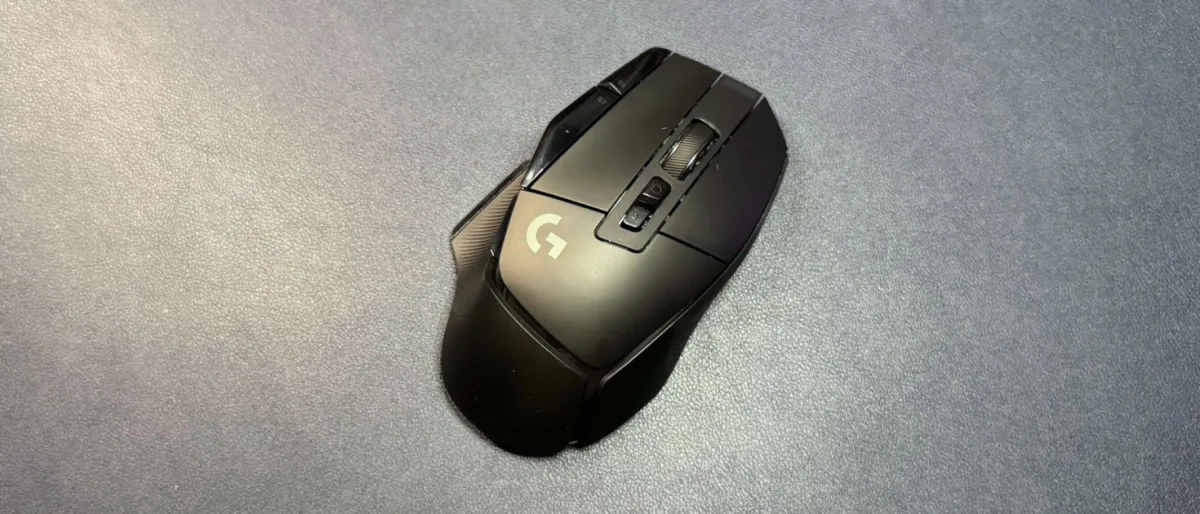
Logitech introduced the G502 X Lightspeed back in 2022 as a companion to the more elaborate G502 X Plus and the wired G502 X variant. Now the peripheral maker is rolling out a firmware update that swaps the mouse's Hero 25K optical sensor for a Hero 44K optical sensor, making this a fitting moment to examine the device. The wireless mouse carries a retail price of $159.99, matching the G502 X Plus exactly, though street pricing typically undercuts this figure.
Design and Comfort of the G502 X Lightspeed
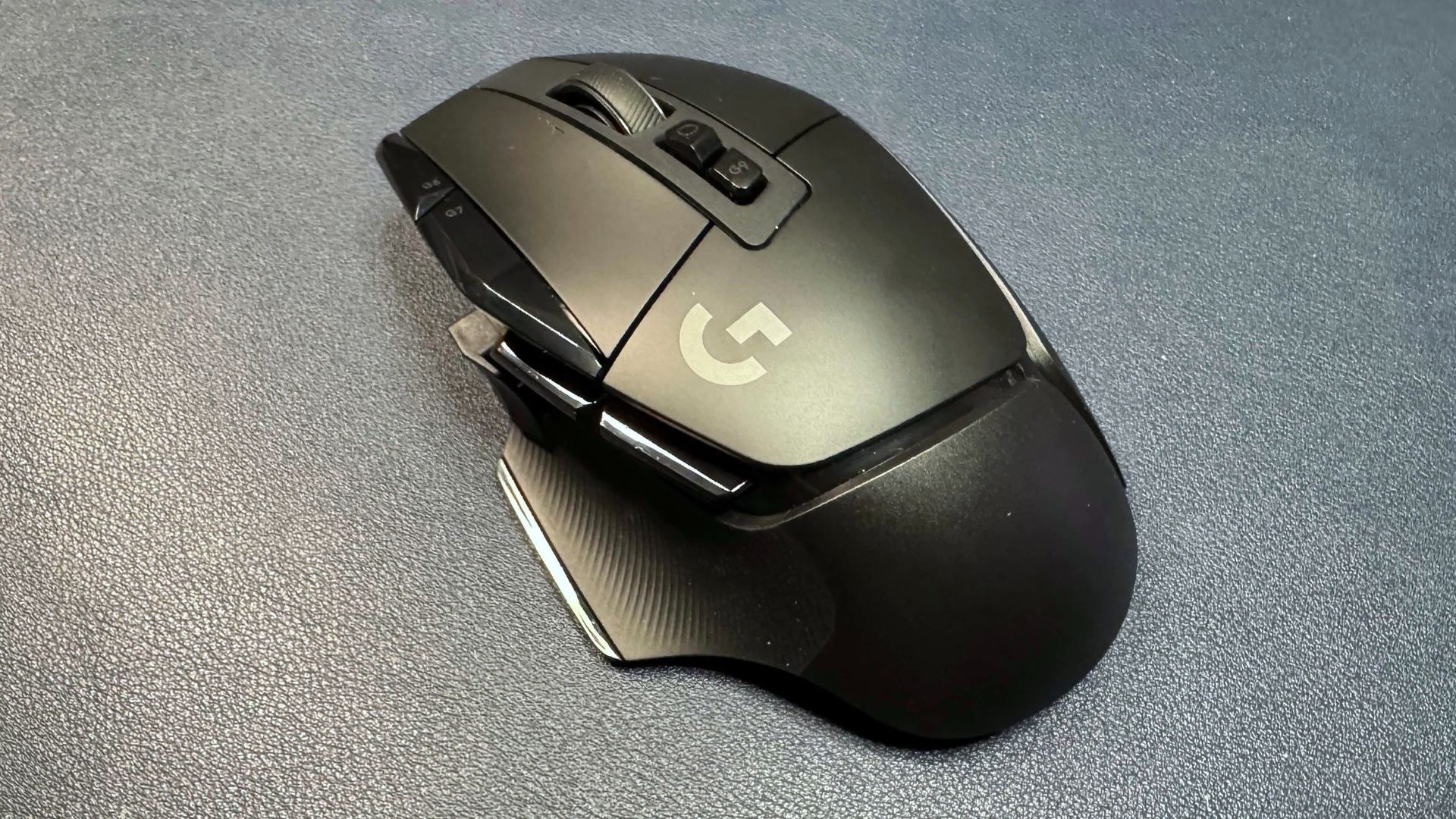
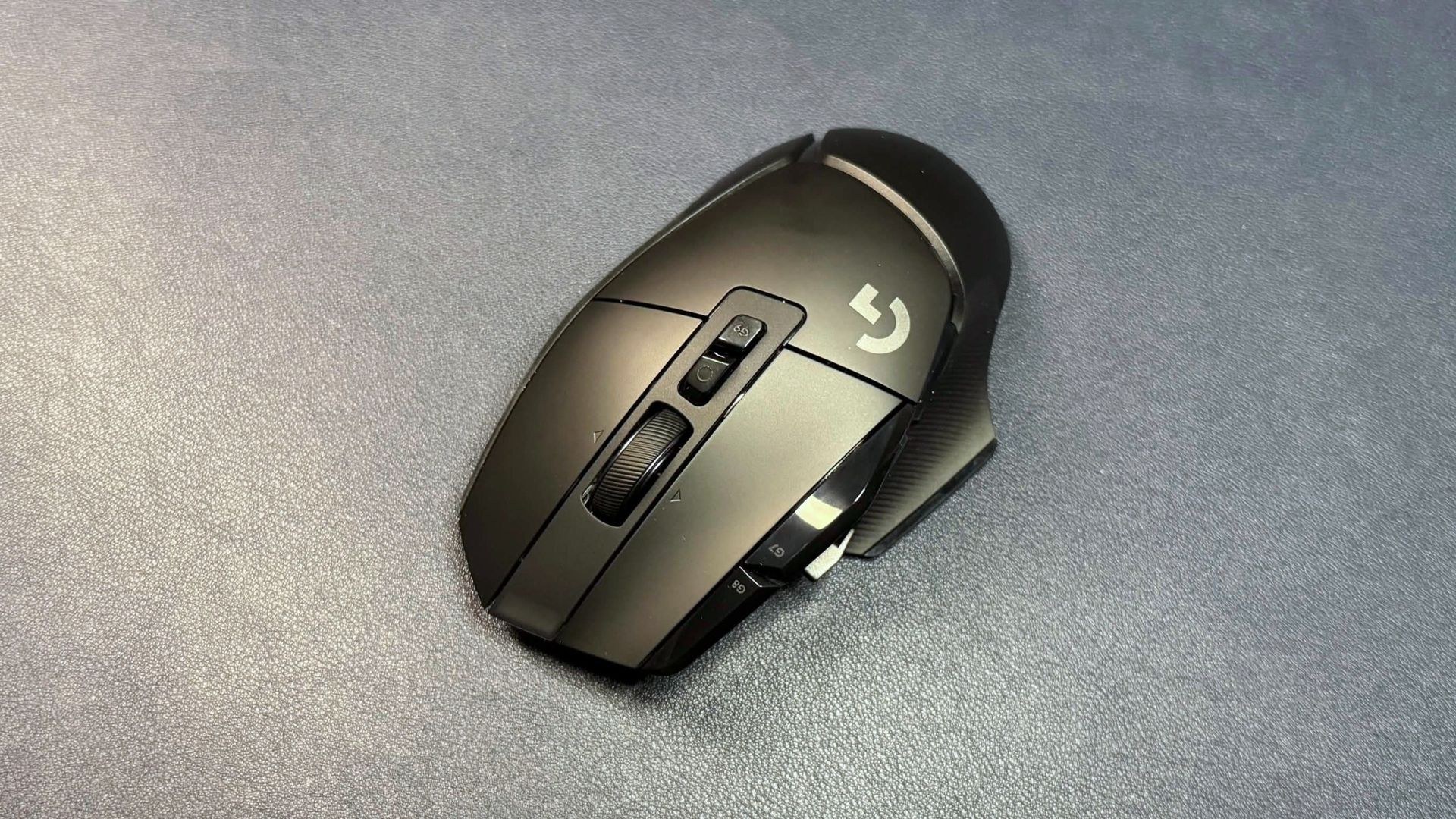
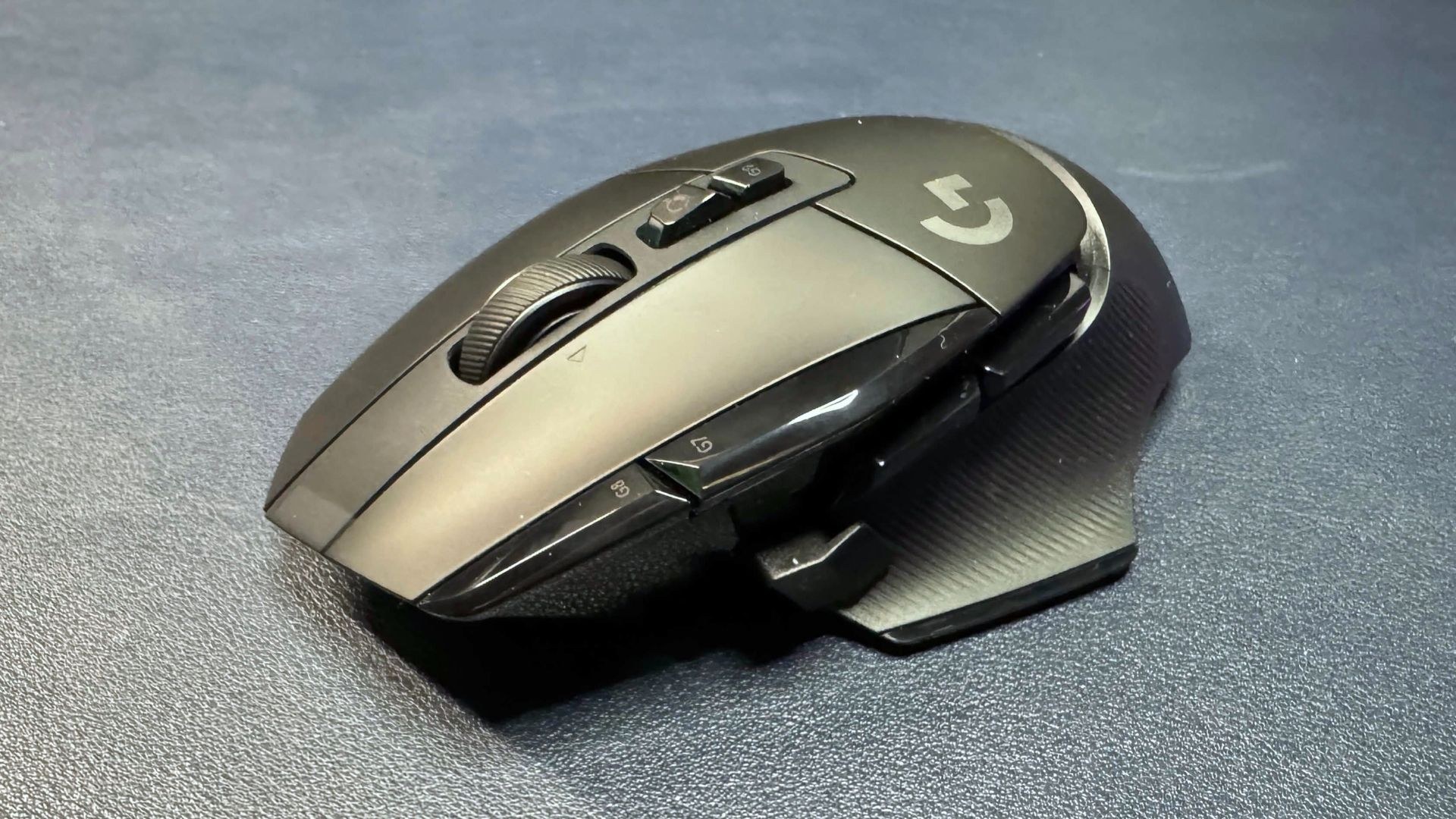
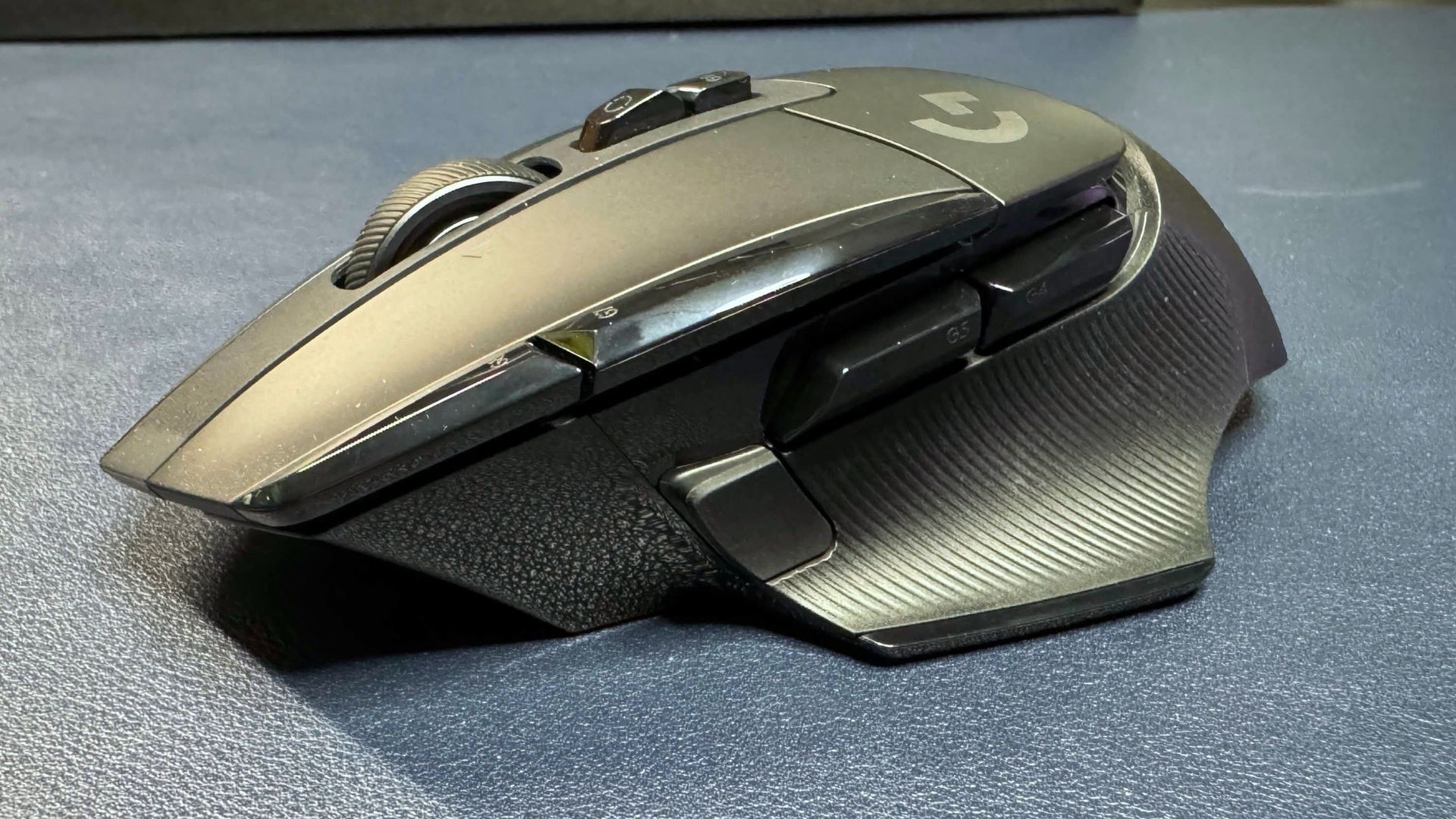
Built for right-handed users, the G502 X Lightspeed shares its ergonomic profile and dimensions with the G502 X Plus. The device measures 5.17 inches (131.4mm) long by 3.12 inches (79.2mm) wide, and stands 1.62 inches (41.1mm) tall. Available in black and white, it features large primary buttons, textured rubber grip panels on the sides, and a matte finish with glossy accents. Unlike its pricier counterpart, this model forgoes RGB effects, retaining only a small indicator light at the front to show connection status and battery level.
The mouse occupies a larger footprint than competitors like the Razer Basilisk V3 Pro and V4 Pro (5.11 x 2.96 x 1.67 inches / 130 x 75.4 x 42.5mm), though the difference is modest. At approximately 3.6 ounces (102g), it weighs less than the Basilisk V3 Pro but slightly more than the Basilisk V4 Pro.
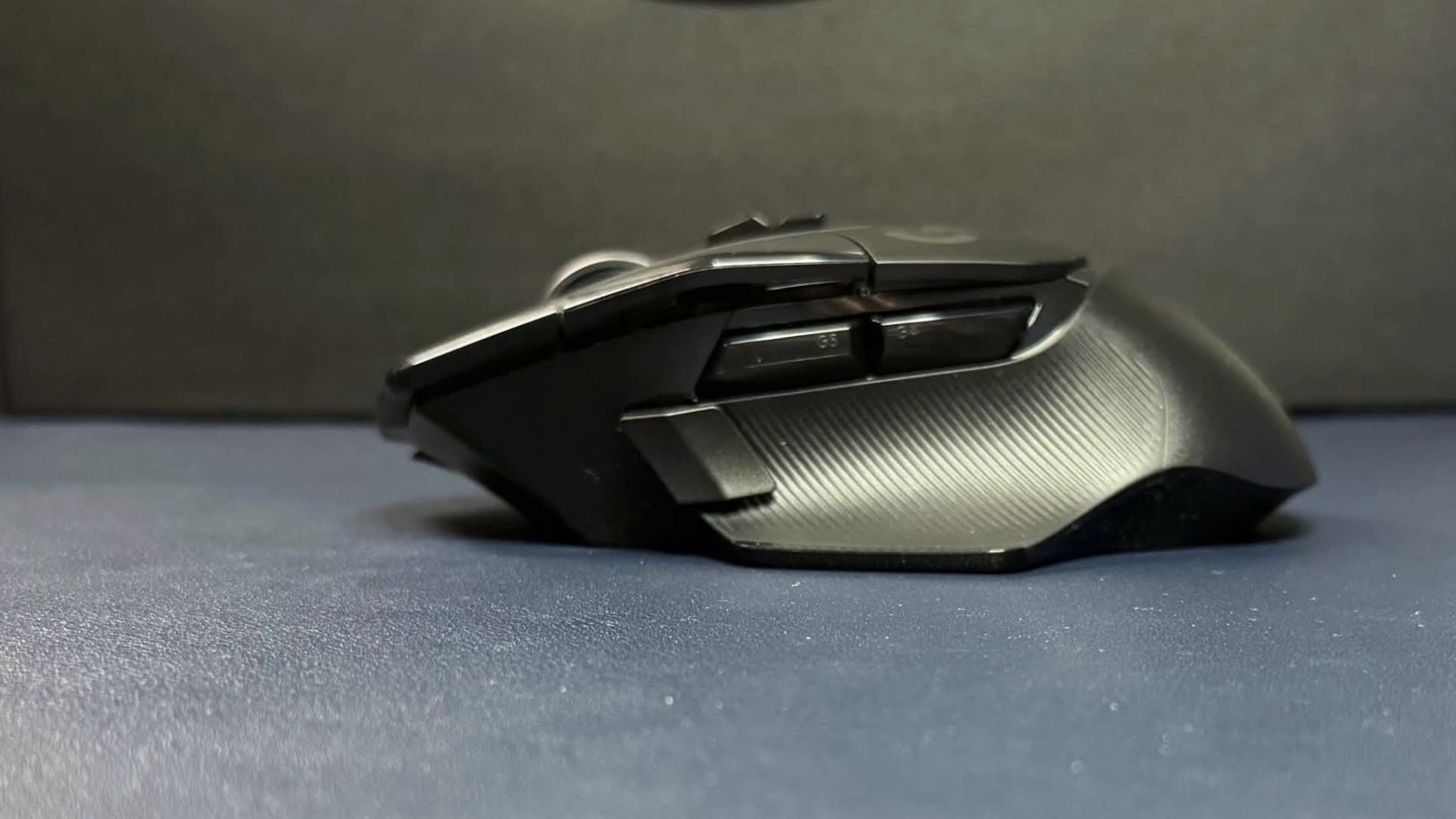
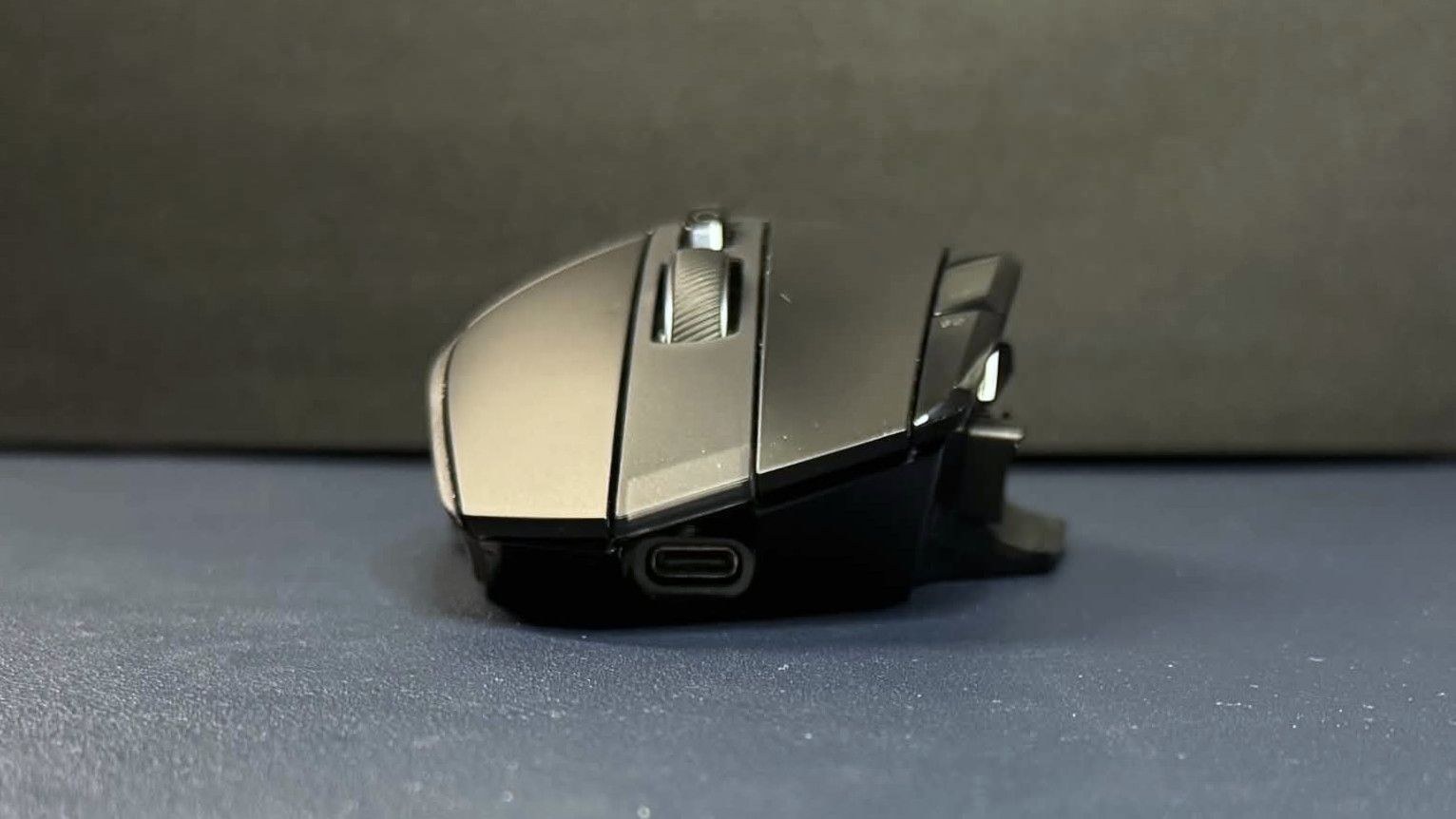
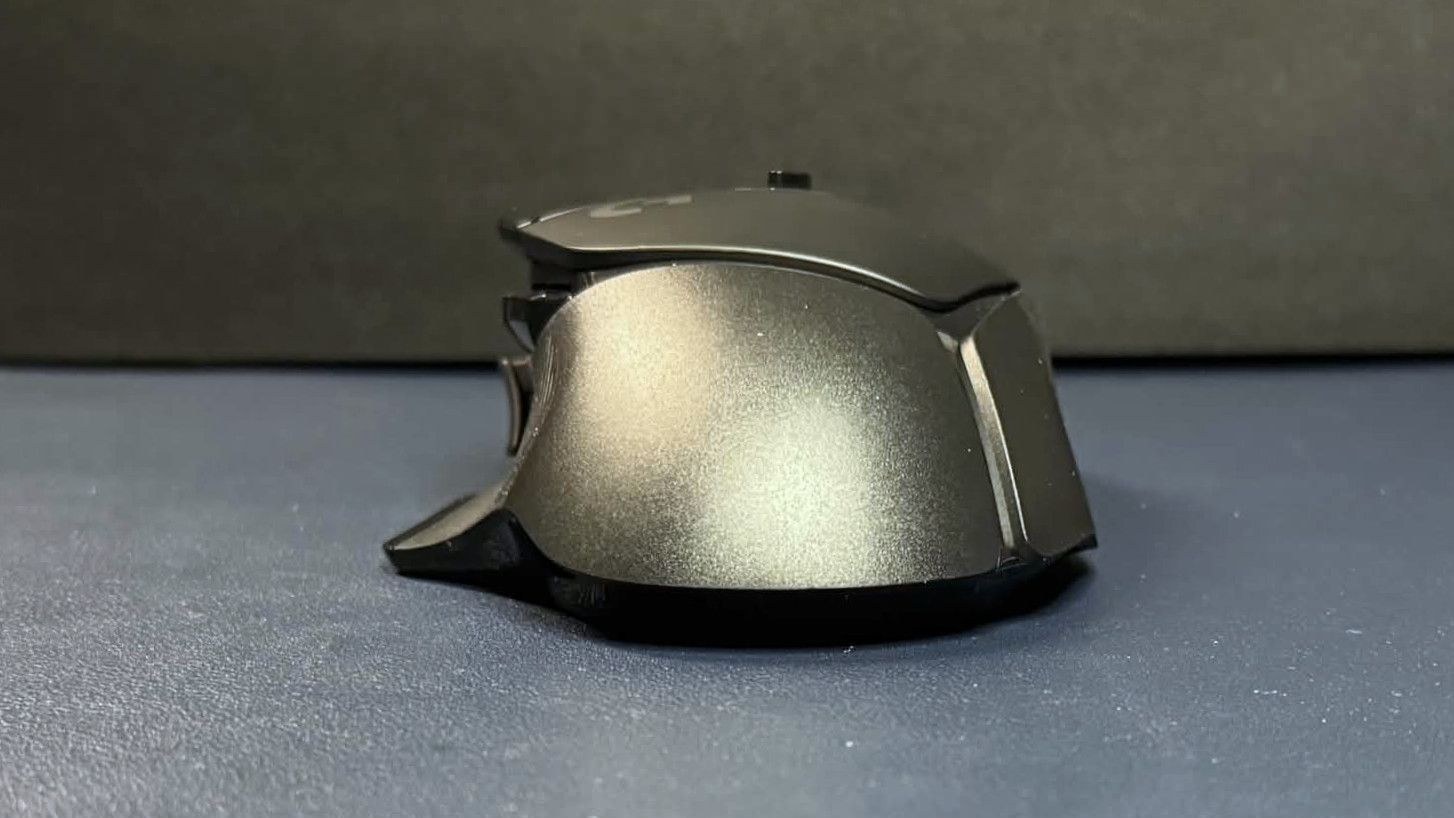
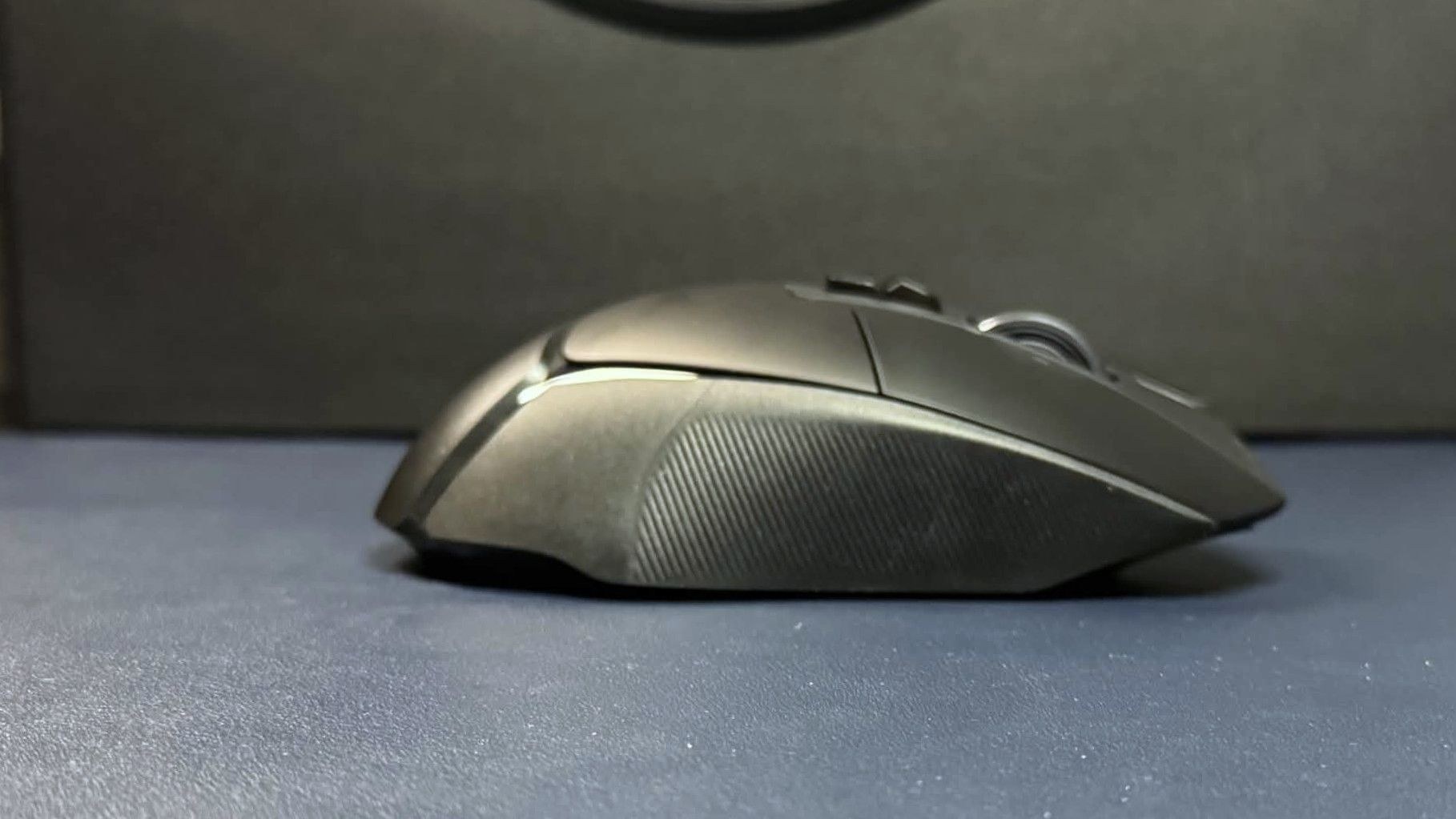
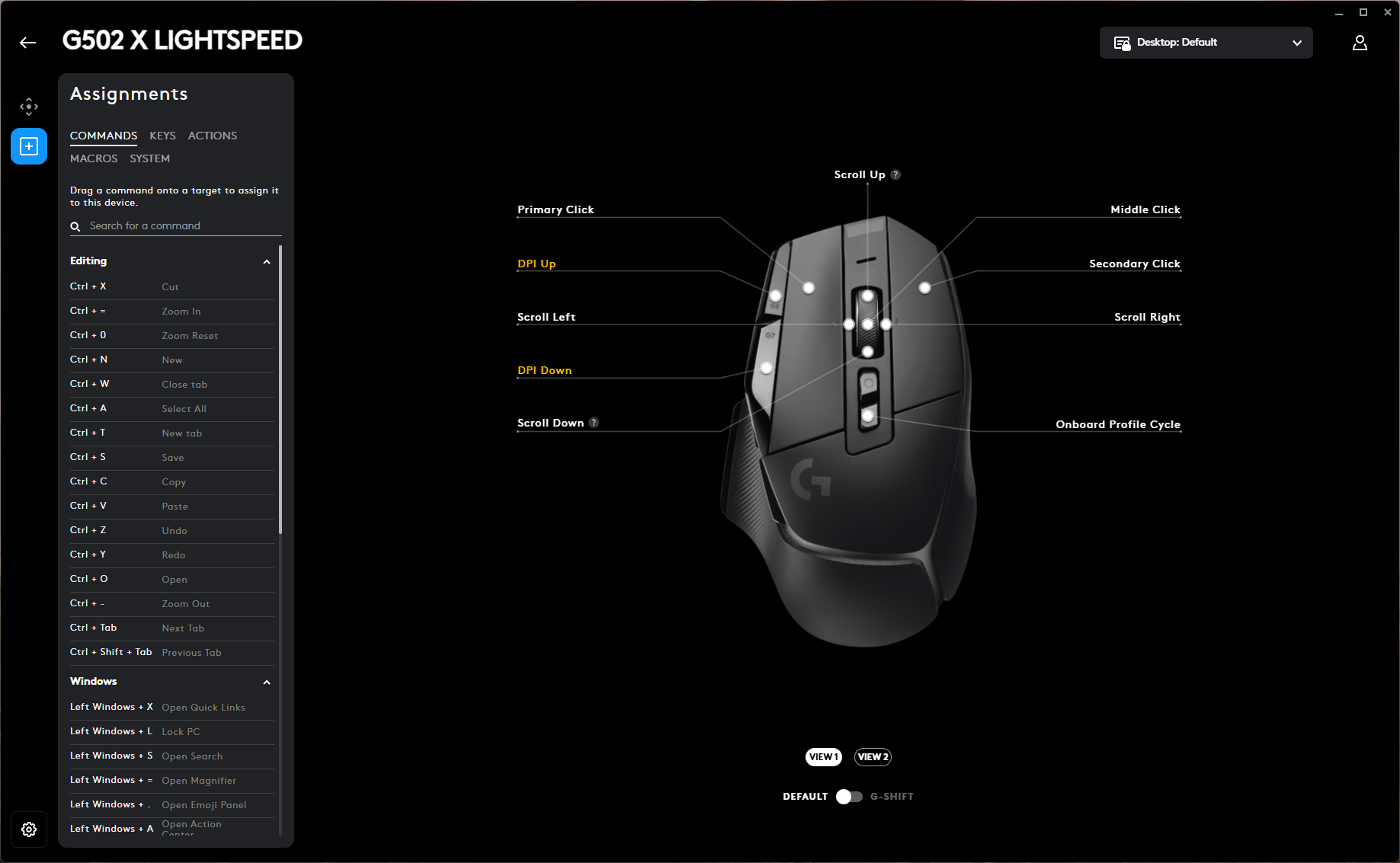
The control layout includes 11 programmable buttons and 13 programmable controls when counting scroll directions. Two thumb buttons sit on the left side alongside a magnetically attached "sniper" button that can be flipped away or disabled entirely using the included delete cover. The 4-way tilt scroll wheel offers three programmable click zones plus up and down scrolling. Above the wheel sit a mechanical switch for toggling between notched and free-scroll modes—a physical control, not programmable—and a profile cycle button.
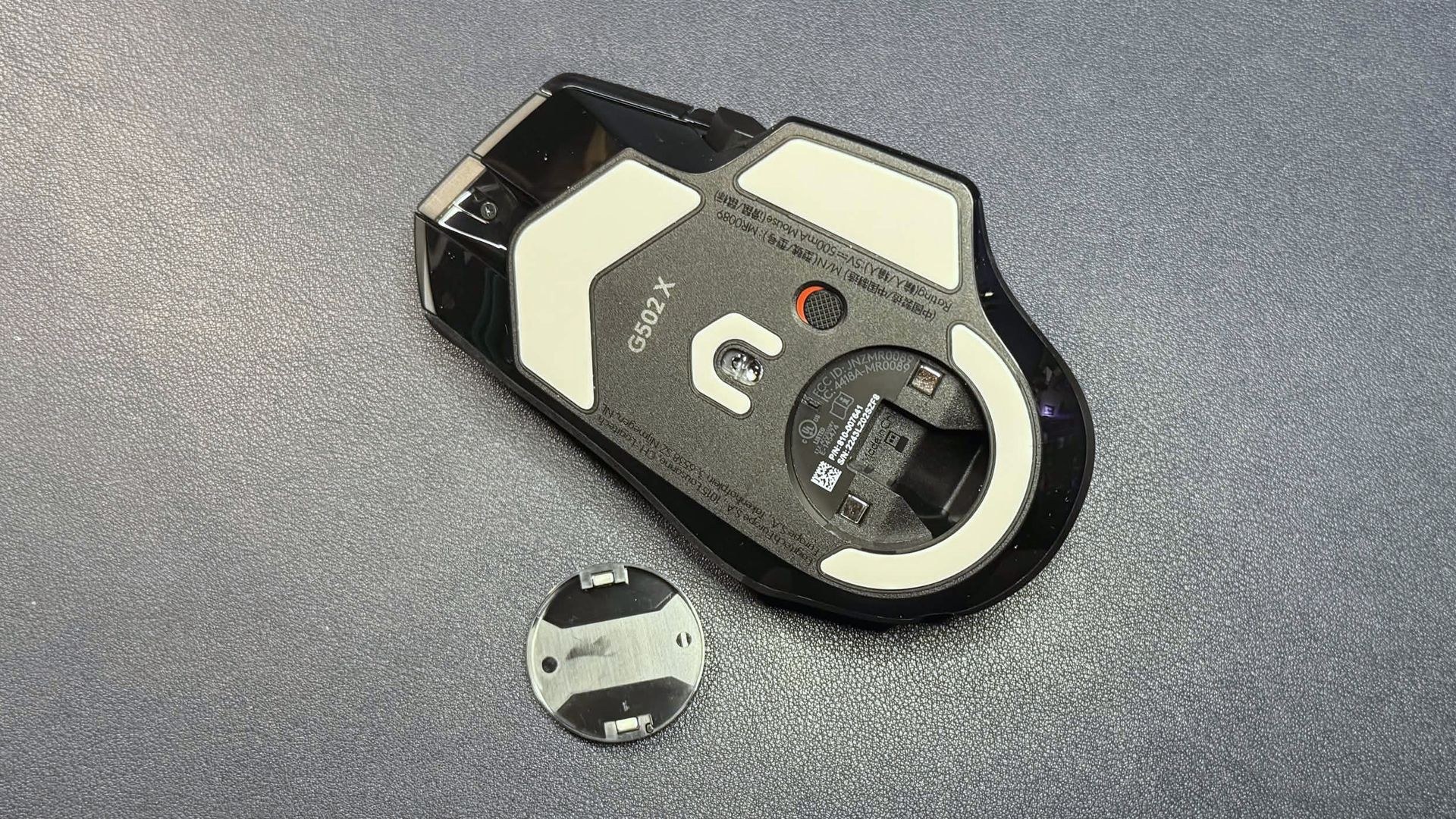
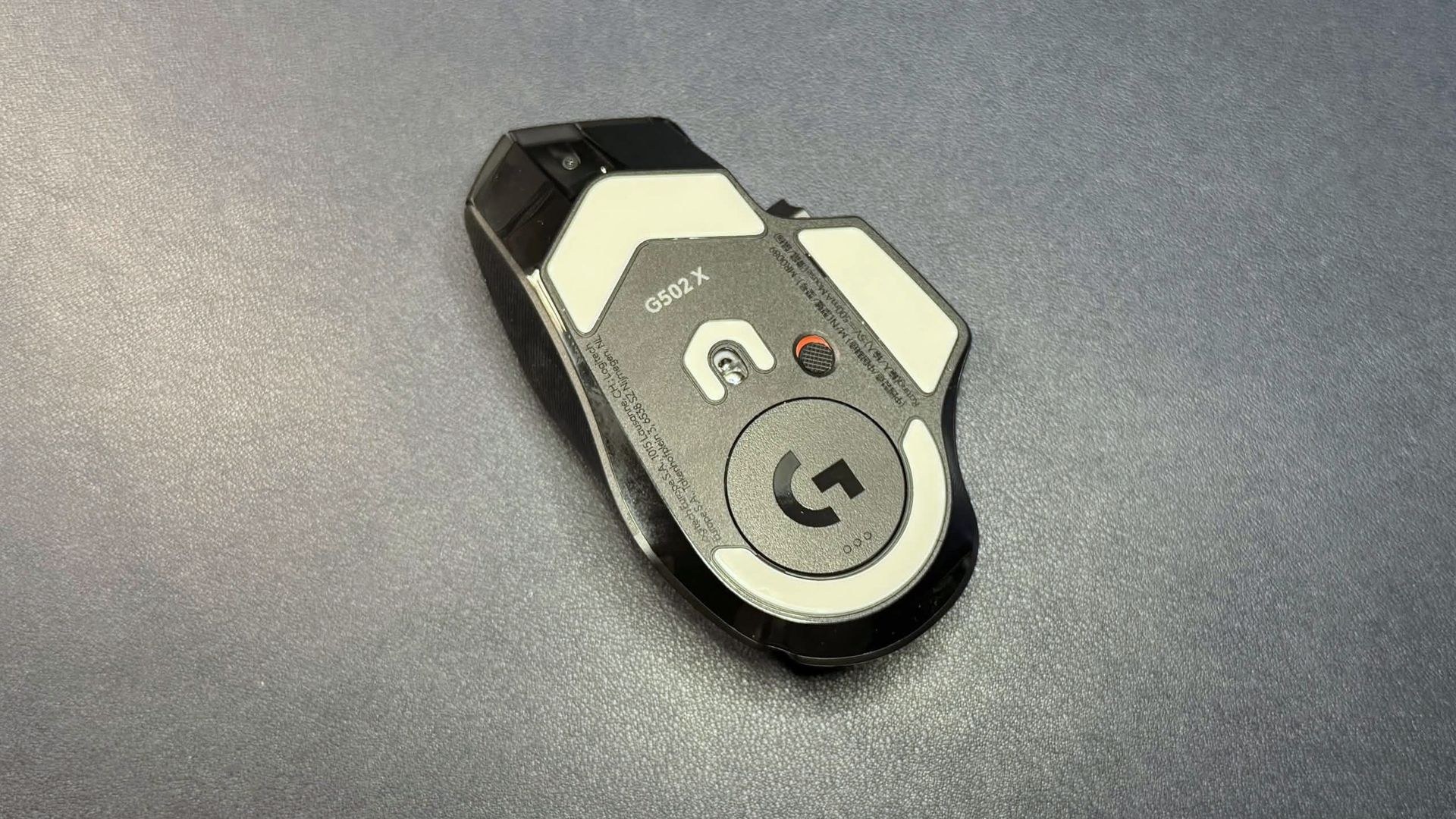
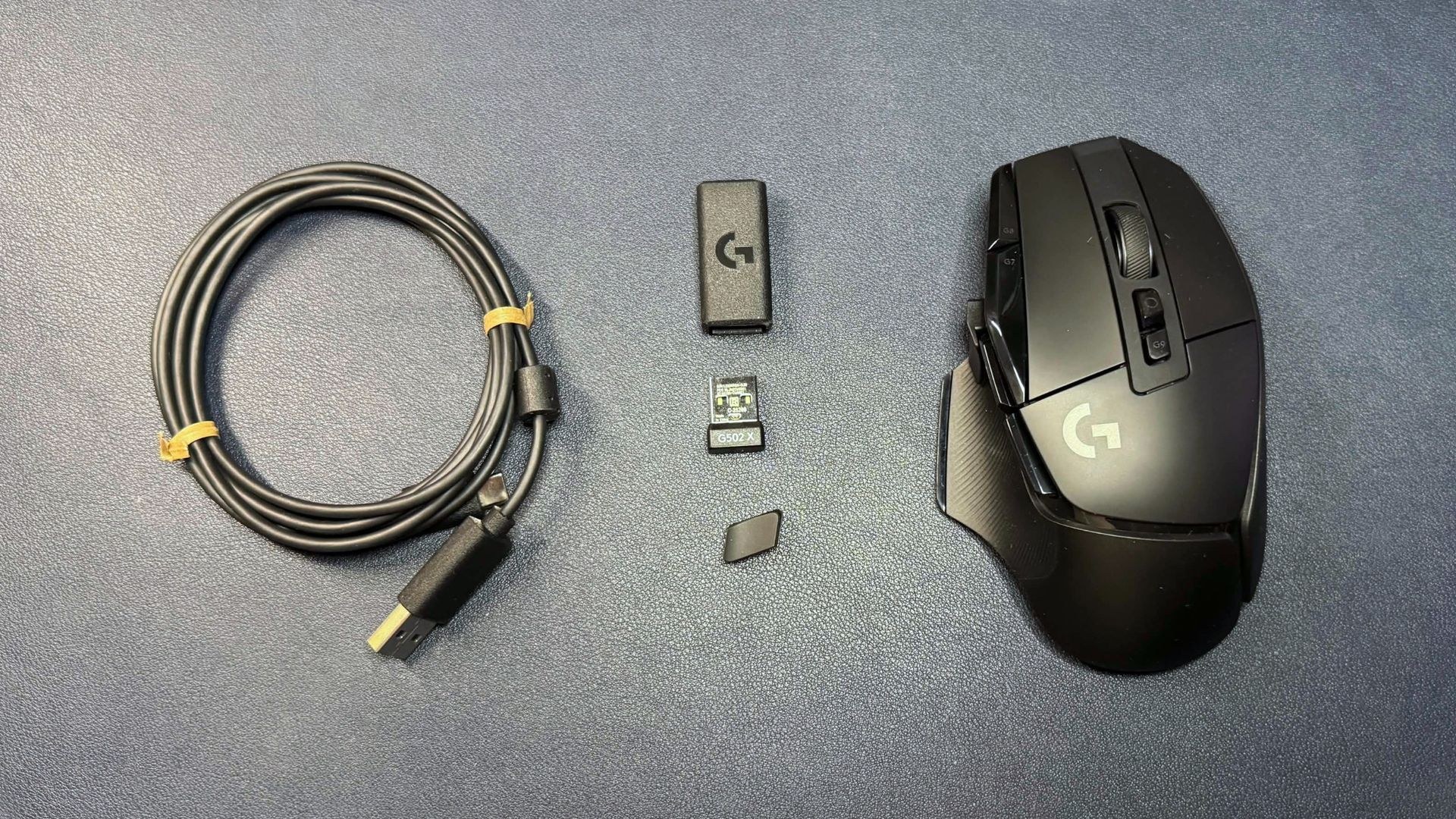
The underside features UHMWPE mouse feet positioned at the top, bottom, around the sensor, and beneath the thumb rest. A power switch and magnetically attached dummy puck occupy the base; the puck swaps with a charging version for use with Logitech's PowerPlay 2 mousepad. A slot underneath stores the wireless dongle. The package includes a 6-foot (1.8m) USB-C-to-USB-A cable, a USB-A dongle, a USB-C converter, and the sniper button delete cover.
Specs
5.17 x 3.12 x 1.62 inches / 131.4 x 79.2 x 41.1 mm
Performance of the G502 X Lightspeed
Out of the box, the G502 X Lightspeed ships with Logitech's Hero 25K optical sensor, capable of 25,600 DPI maximum resolution, 400 IPS maximum speed, and handling up to 40 G's of acceleration. The incoming firmware update will upgrade both this model and the G502 X Plus to the Hero 44K optical sensor, raising maximum resolution to 44,000 DPI and maximum speed to 678 IPS. The rollout timeline remains unclear, and the review unit could not be updated via G Hub at the time of testing.
The sensor itself performs admirably, tracking reliably across virtually any gaming surface with speed, sensitivity, and precision. The mouse supports a 1,000 Hz polling rate, which remains standard for most gamers, though those seeking lower latency may prefer mice with 4,000 Hz or 8,000 Hz polling rates.
Logitech's Lightforce hybrid optical-mechanical switches power the primary buttons, merging mechanical tactility with optical speed and reliability. These switches deliver a crisp, tactile click with notably loud acoustics. The side buttons feel responsive with crisp clicks, though less tactile than the primaries.
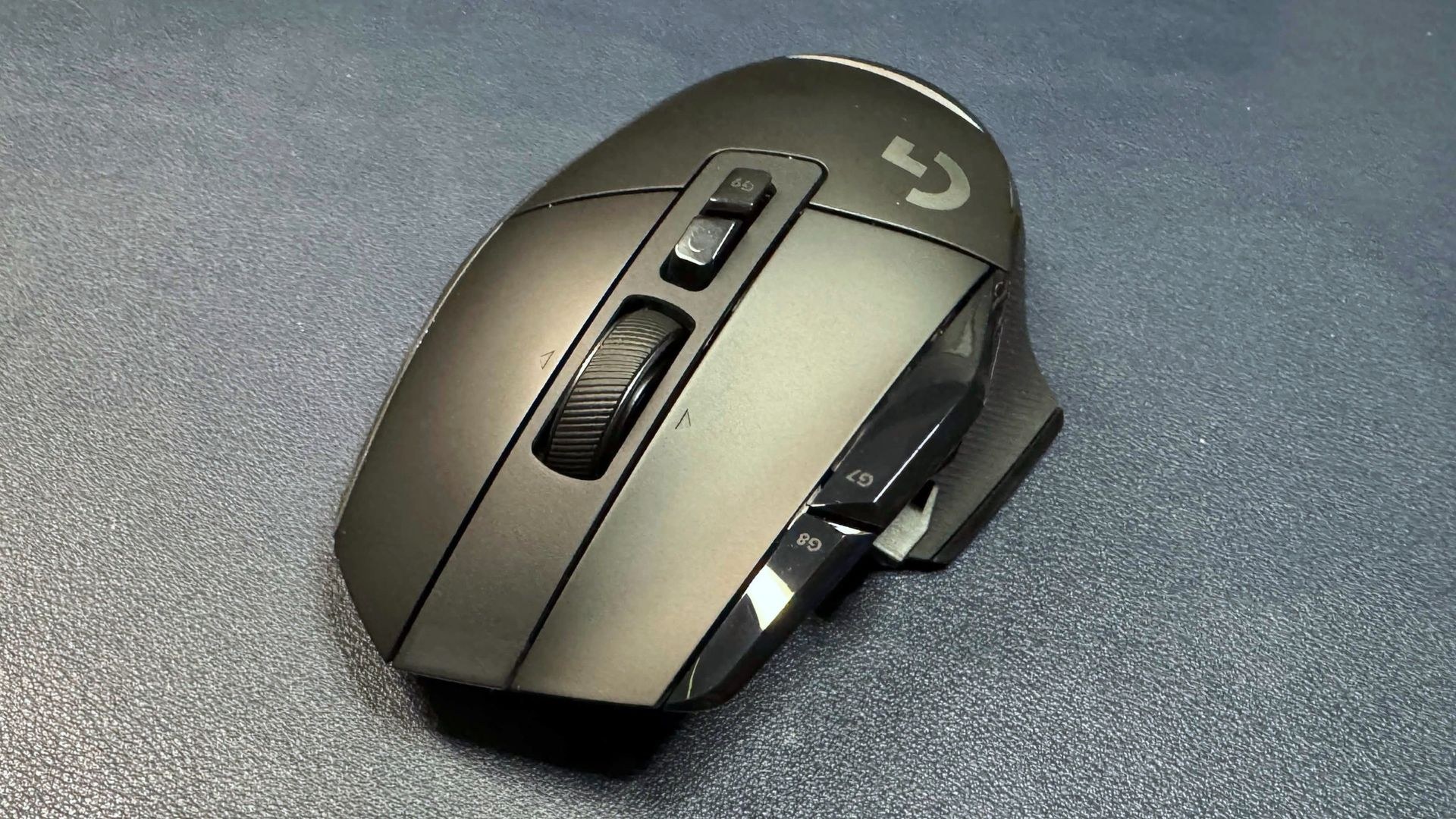
The dual-mode tilt wheel uses a mechanical switch to alternate between notched, tactile scrolling and smooth, rapid free-scroll. Unlike Razer's software-based approach, Logitech's mechanical implementation creates more distinct modes. The free-scroll performs better than comparable Razer offerings such as the Basilisk V4 Pro and Naga V3 Pro, but the notched mode feels stiff, clunky, and produces considerable rattle. With only two modes available, users cannot find middle ground—a limitation for games requiring notched scrolling.
Features and Software of the G502 X Lightspeed
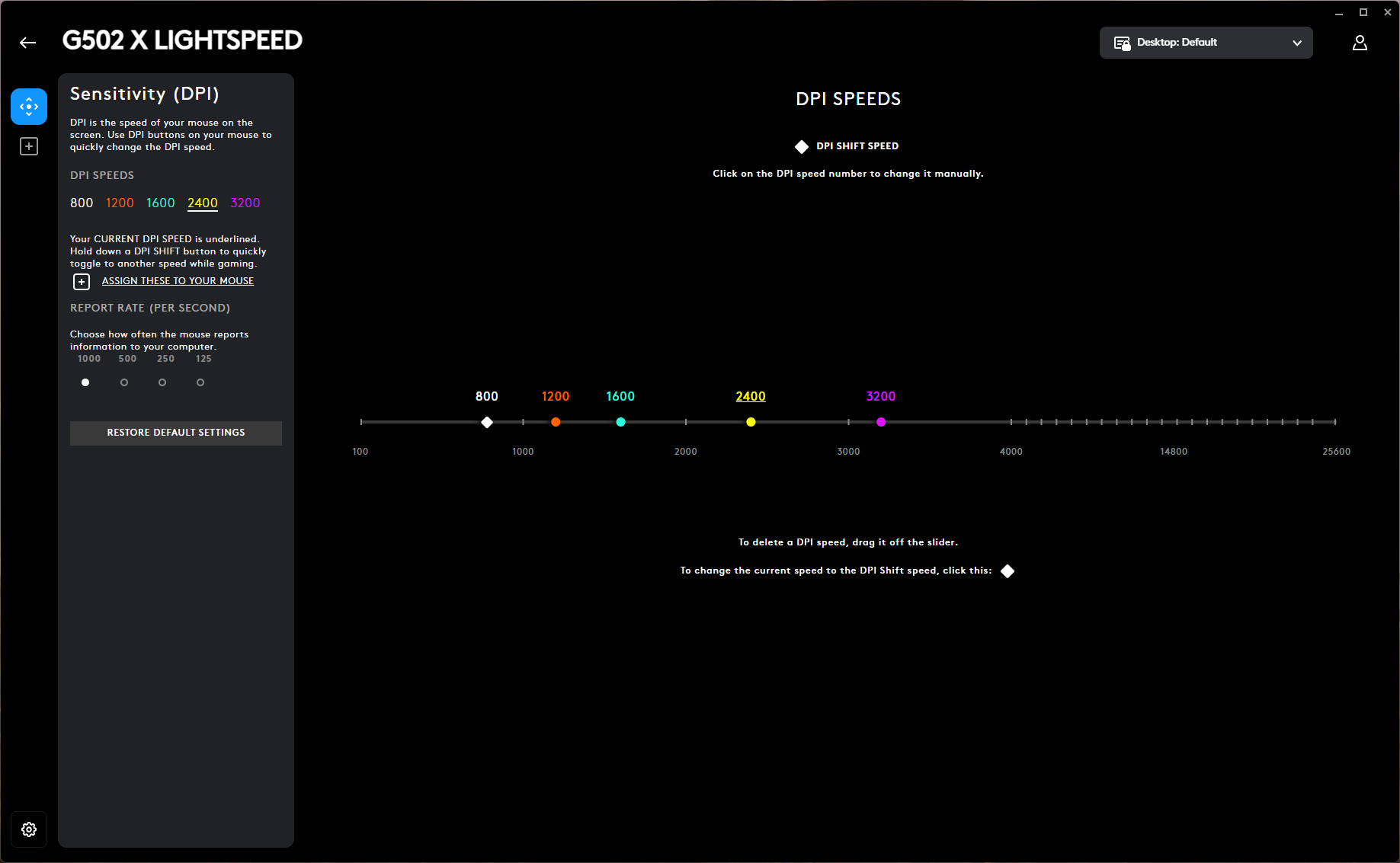
Logitech's G Hub universal peripheral software handles configuration, allowing users to adjust DPI settings, DPI shift speed, and key remapping. The software also manages firmware updates, which is where the Hero 44K sensor upgrade should appear once available.
Wireless Experience & Battery Life of the G502 X Lightspeed
The G502 X Lightspeed connects via 2.4GHz wireless and supports wired operation through the included USB-C cable, though the rubber construction lacks the smooth glide of flexible paracord-covered alternatives. Bluetooth connectivity is absent.
Logitech rates battery life at 140 hours, roughly 10 hours longer than the G502 X Plus without lighting. This endurance exceeds many competitors, though the recently released Razer Basilisk V4 Pro reaches 200 hours. The 140-hour rating suggests at least two weeks between charges under heavy use. The mouse also works with PowerPlay 2, Logitech's wireless charging pad, sold separately.
Bottom Line
The G502 X Lightspeed delivers solid performance for mainstream gamers. Its contoured, ergonomic shape provides comfort, though it feels noticeably larger than similarly designed competitors like the Razer Basilisk V4 Pro. The button count suits average gamers well, though MMO enthusiasts may want more. Battery life exceeds typical wireless mice, and the pending firmware update should bring a competitive sensor—though not quite matching Logitech's actual Hero 2 sensor. The critical issue: at $159.99, this mouse costs the same as the feature-richer G502 X Plus, despite positioning as the budget option. Unless a significant discount materializes, buyers should consider the G502 X Plus or Razer's Basilisk V3 Pro 35K at comparable prices.