Cockpit-Simulator's Premium 737 CDU Brings Authentic Avionics to Home Flight Sims
The CS 737X CDU v2 delivers a metal-and-silicone replica of Boeing's flight management interface, with low-latency integration into Microsoft Flight Simulator 2024 for serious cockpit builders.
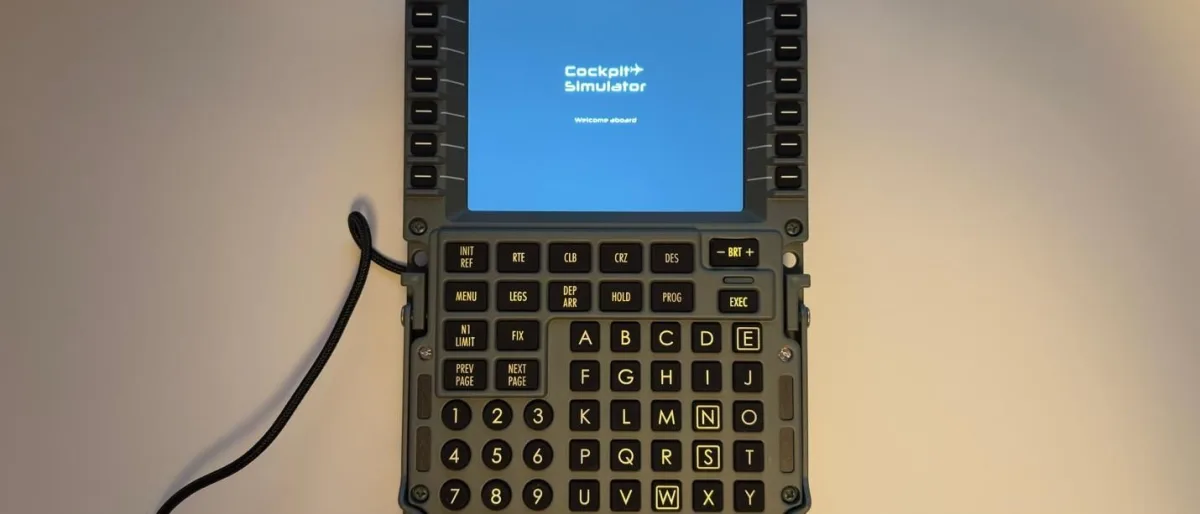
Flight simulation has attracted a wave of hardware makers since Microsoft Flight Simulator 2020 arrived, spawning a market spanning budget peripherals to professional-grade cockpit components. Cockpit-Master and Cockpit-Simulator launched together in 2018 to build and sell simulation equipment. The company split into separate divisions in 2024, with Cockpit-Simulator taking the premium, professional-oriented path.
The CS 737X CDU v2 is a 1:1 scale replica of the Boeing 737 Control Display Unit—the primary control surface pilots use to manage the aircraft's Flight Management System. This review examines its construction quality, fidelity to the actual 737 unit, and performance within Microsoft Flight Simulator 2024.
The Real Boeing 737 Control Display Unit
The CDU serves as the main interface to the FMS, which functions as the aircraft's central computing brain for navigation and performance management. Pilots use it to enter and adjust flight plans; the FMS then calculates the lateral route, vertical profile, fuel consumption, and provides steering commands to the autopilot. The unit includes a display flanked by six line select keys on each side, allowing pilots to choose and modify data fields. Dedicated function keys provide access to performance data and departure and approach procedures. Below the screen sits an alphanumeric keypad for text entry before transferring data to selected fields using the line select keys.
Build Quality
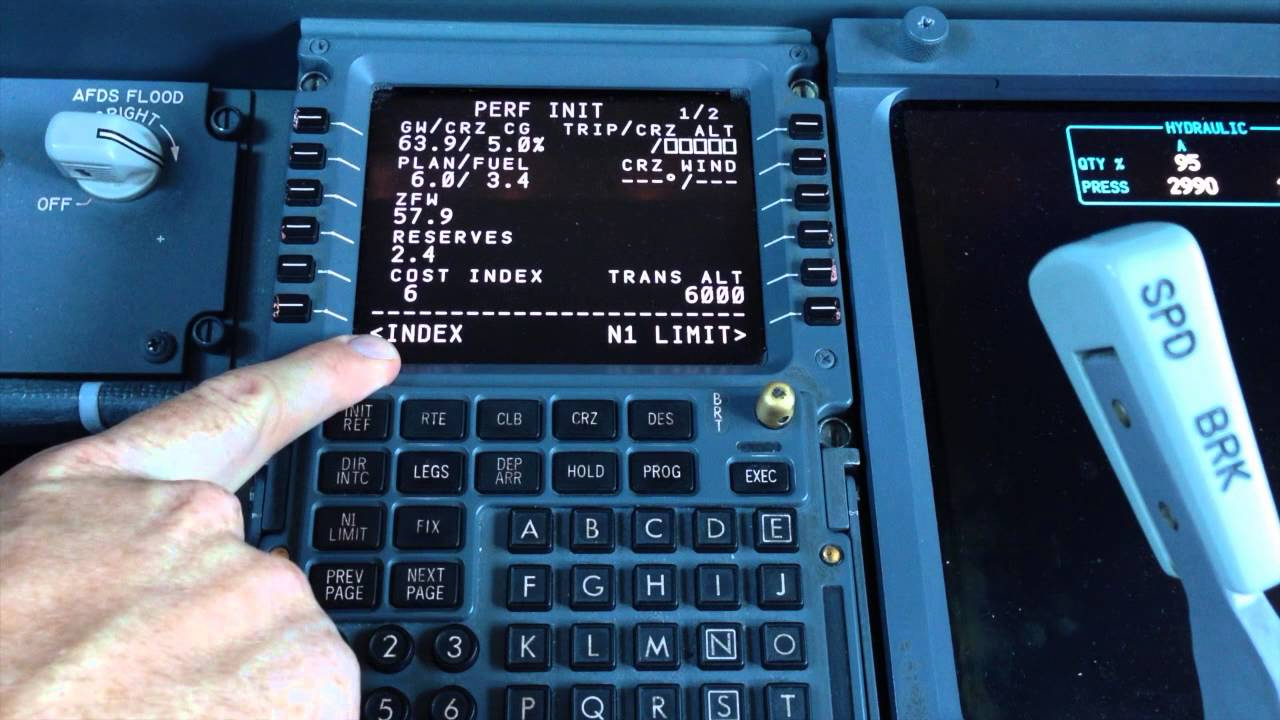
The CS 737X CDU v2 stands apart from other consumer CDU options through its full-metal, CNC-machined aluminum chassis. Silicone rubber buttons closely match the tactile feel found in actual 737 simulators.
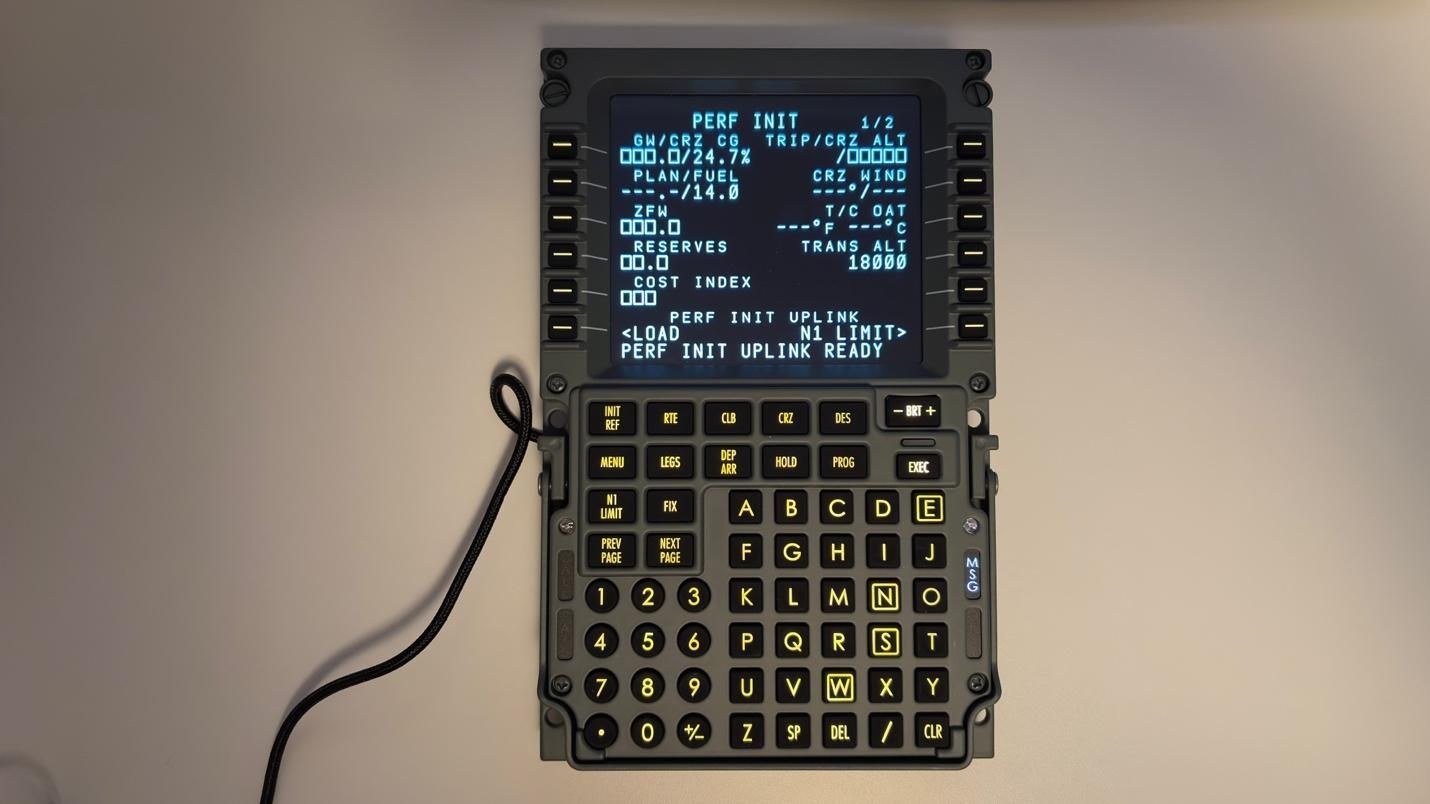
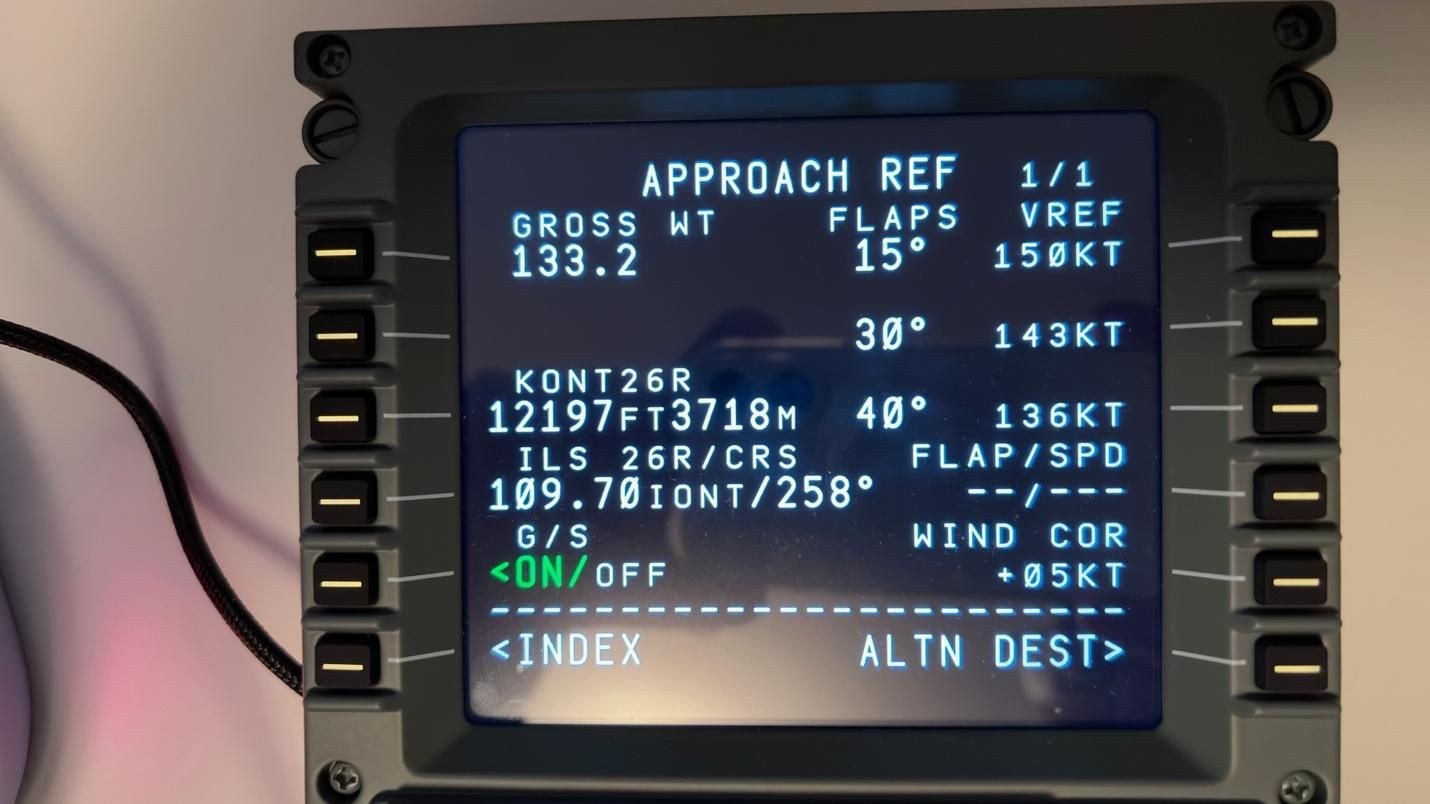
The display represents the most noticeable departure from the genuine 737 CDU. The real unit employs thick, chemically hardened, anti-glare optical glass, while the CS 737X CDU v2 uses a standard commercial screen. Some glare results, though the display itself performs excellently with broad viewing angles. Despite this difference, the visual output closely mirrors the authentic 737 CDU—font rendering, image clarity, and color accuracy all align with what appears on actual flight decks.
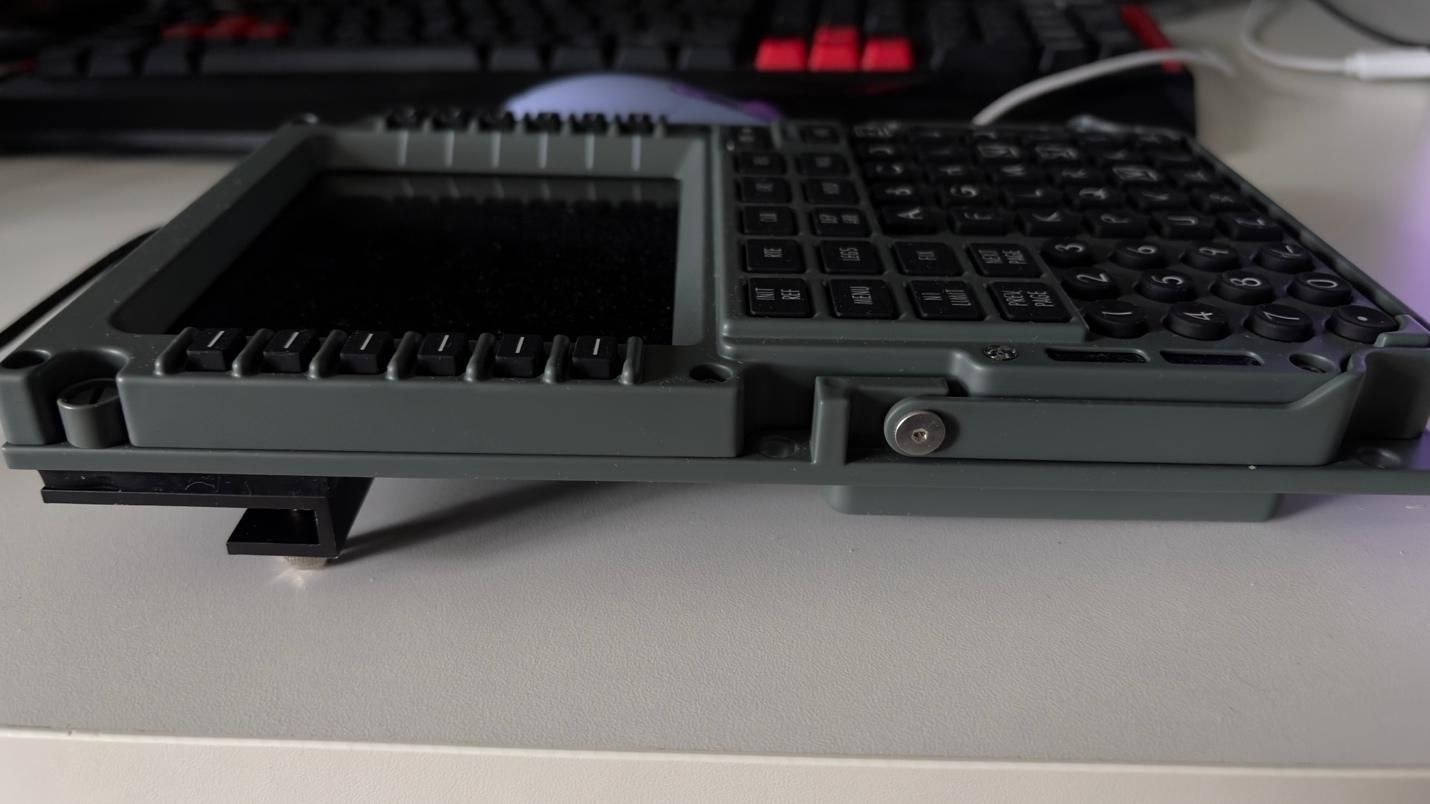
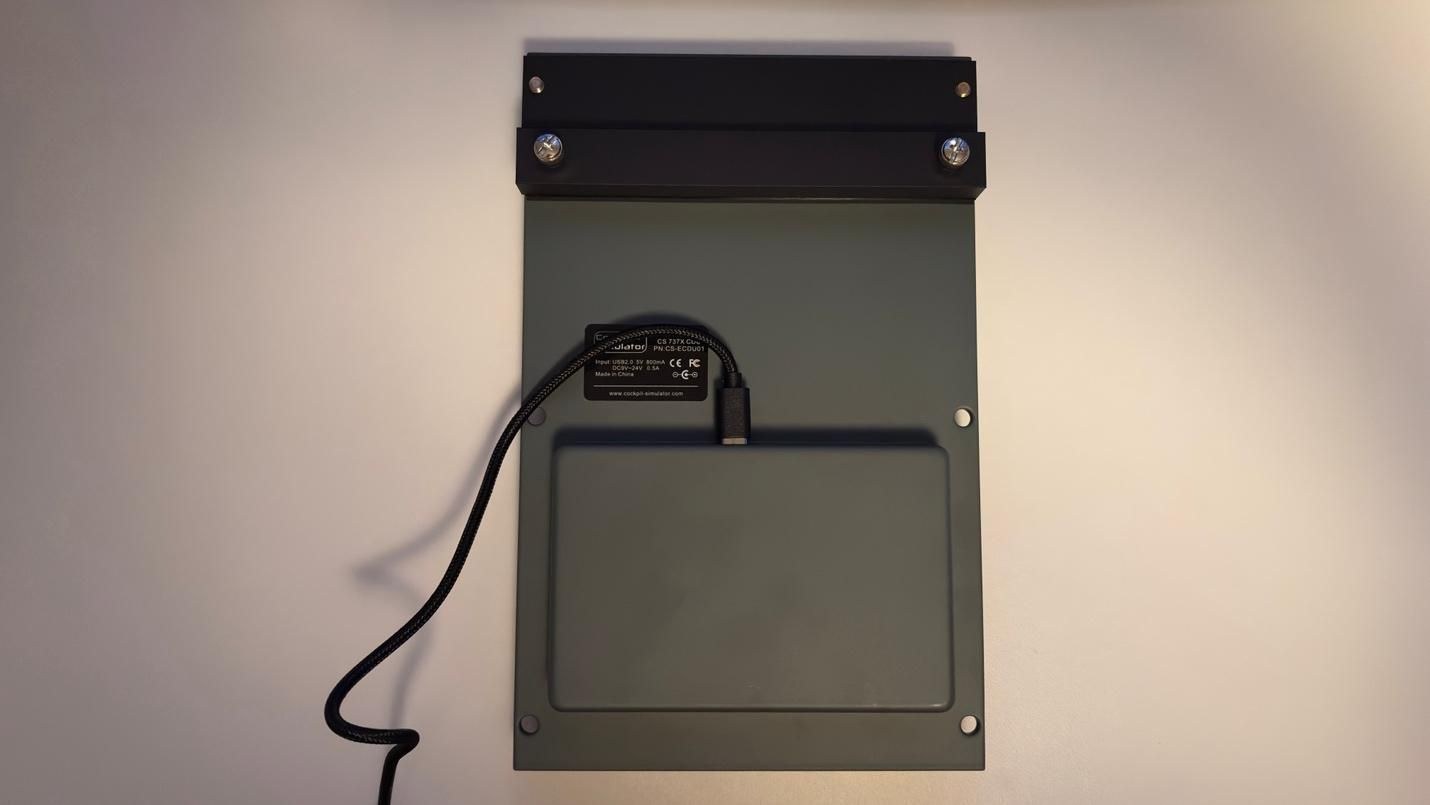
A maintenance handle, used on real aircraft to remove the CDU, adorns the unit as a thoughtful detail. The device can rest on a desk using the supplied stand or integrate into a larger cockpit installation.
The Feel
The weight, stiffness, and metal construction closely approximate the CDU experience in a 737 simulator. Silicone buttons demand firm, intentional presses to register, reducing accidental double-inputs during turbulence and matching the real unit's tactile behavior. Manually routing a long flight plan—rather than importing it from SimBrief—will test your patience and deepen your respect for the import feature.
Microsoft Flight Simulator 2024
Testing took place in Microsoft Flight Simulator 2024 using the PMDG 737-800. Three routes of varying length were flown:
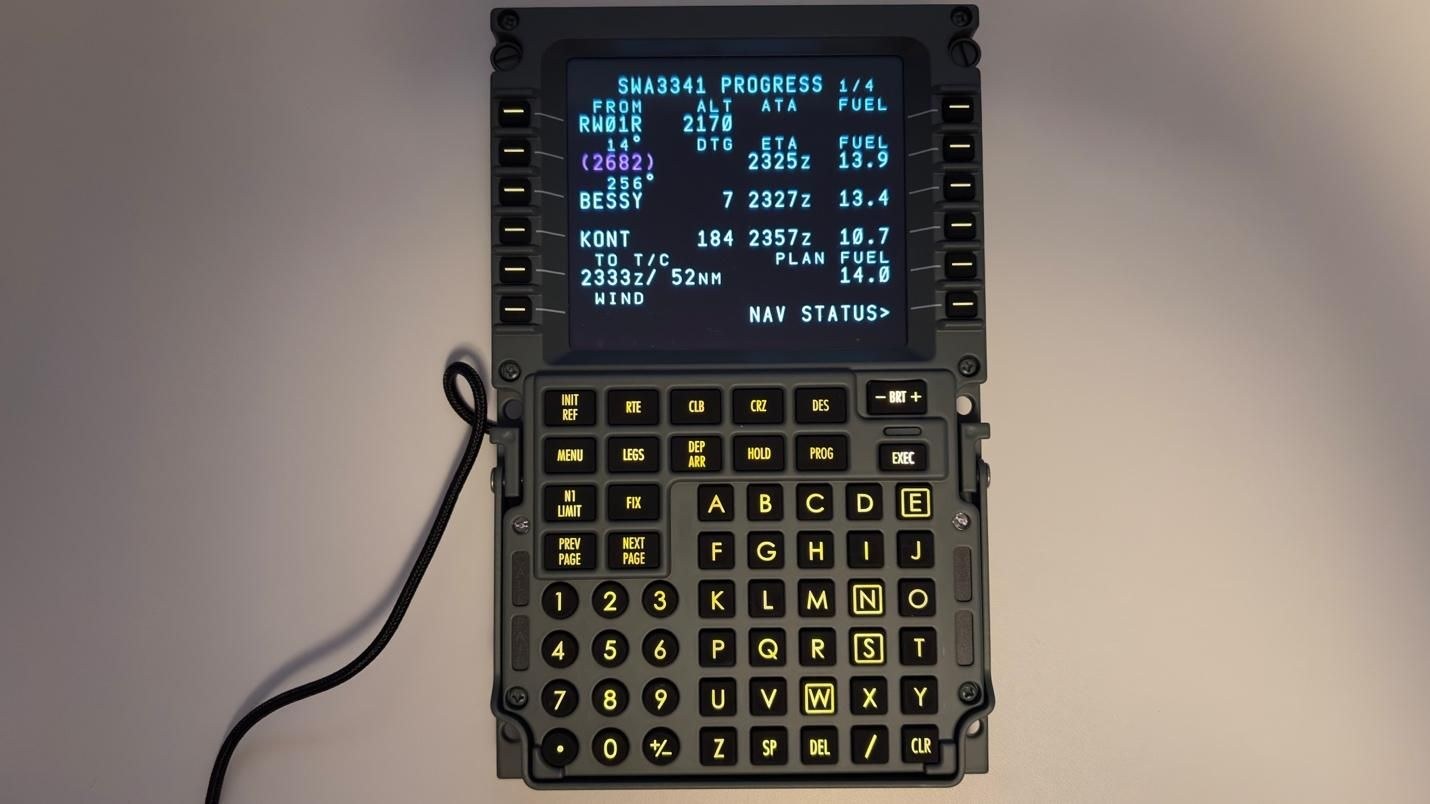
- 45 minutes from Las Vegas, Nevada to Ontario, California
- 2 hours from Phoenix, Arizona to San Francisco, California
- 5 hours from Oakland, California to Honolulu, Hawaii
The device requires only a USB connection and the CockpitSimulator Bridge software, which must remain open during flight and can be downloaded from the official Cockpit-Simulator website.
A typical flight setup involved these steps:
- Import the flight plan from SimBrief
- Import the payload & fuel for the flight
- Select the instrument departure and planned approach
- Import the performance numbers on the PERF INIT page
- Complete the takeoff performance pages
- Import the cruise and descent winds
- Complete the APPROACH REF page as we get closer to the approach phase
The hardware's tactile quality and firm key presses enhance immersion considerably. More significantly, a physical CDU eliminates the need to pan the camera toward the virtual unit, zoom in, and navigate with a mouse. Operating the FMS becomes faster and more natural.
This advantage proves especially valuable when air traffic control issues a direct-to clearance shortly after takeoff while you are hand-flying. Executing the direct-to command on a physical CDU requires far less effort than manipulating the virtual version, letting you keep your attention on the Primary Flight Display.
Input latency proved remarkably low. Key presses appeared almost instantly on both the unit's physical display and the virtual CDU in the simulator, creating a seamless sense of synchronization.
Switching between CDU pages remained smooth even with lengthy flight plans loaded. All information shown on the virtual CDU appeared accurately on the hardware, including aircraft-specific features of the PMDG 737-800. Fonts, colors, and formatting matched precisely, making the physical CDU feel like a genuine extension of the simulated one.
Overall Thoughts
The CS 737X CDU v2 ranks as the most refined and engaging Boeing 737 CDU tested to date. Its metallic weight and feel, the tactile resistance of silicone keys, and the faithful rendering of fonts and colors on the display all work together to deliver an authentic experience. For high-end home cockpit builders, it represents an excellent choice.
This caliber of engineering and craftsmanship carries a cost: the CS 737X CDU v2 carries a $799 price tag, placing it beyond the budget of many flight simulation enthusiasts. For those constructing a serious, high-end cockpit and seeking a CDU that genuinely mirrors the real aircraft's operation, however, it stands as a worthwhile investment.