Kitty 0.50 Terminal Emulator Restores Sessions After System Restart
The GPU-accelerated terminal emulator for Linux and macOS gains session persistence, docked windows, and new cursor effects in its latest release.
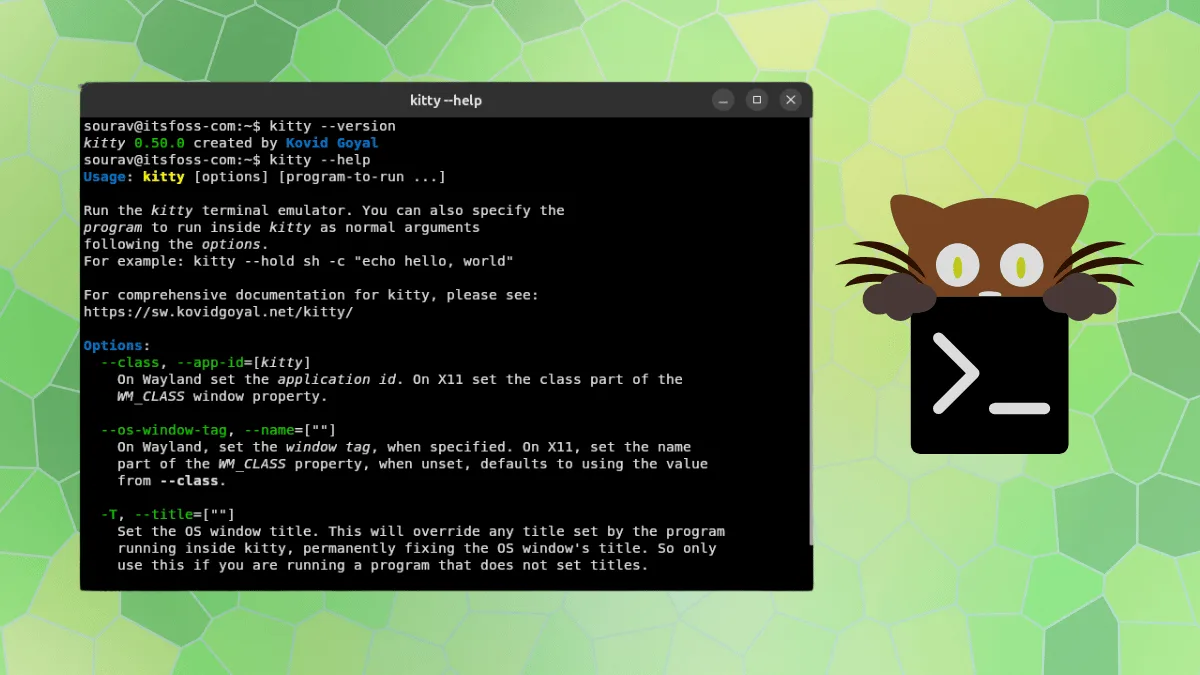
Kitty is a GPLv3-licensed, GPU-based terminal emulator available for Linux and macOS. Built using C, Python, and Go, it renders via OpenGL and organizes work through tabs and windows across seven different layouts. The tool supports extensibility through small programs called kittens and responds to shell commands. Version 0.50 introduces the ability to restore open windows following a system logout.
Kitty 0.50
The new release preserves all OS windows, tabs, and their scrollback history when a session terminates, then reconstructs them upon the next startup. Users activate this functionality by setting restore_session_after_logout in their kitty.conf file.
On Linux systems, the feature requires a desktop portal implementing version 3 of the inhibit interface. Linux keeps session state unencrypted and accessible only to the user, while macOS encrypts the data using a dedicated key stored in the system keychain.
Docked windows represent another addition, allowing users to anchor a window to the edge of another window or tab. These docked elements exist outside the standard layout and serve purposes like status bars or file trees. Window docks follow their parent window wherever it moves, whereas tab docks persist until the final regular window in that tab closes.
Three fresh cursor trail shaders—cursor-trail-railgun, cursor-trail-torpedo, and cursor-trail-pixiedust—produce particle effects trailing the cursor movement, similar to Neovide's behavior. These require cursor trails to be enabled, and shaders can now be triggered via keyboard input.
Wayland users gain touchscreen support for tapping to click, swiping to scroll, and selecting text by holding and dragging. Window decorations on GNOME and comparable compositors now match the native appearance, adopting the desktop's titlebar font and button arrangement.
The release addresses a security vulnerability that allowed malicious requests to circumvent remote control password authentication, along with resolving several memory safety issues.
Testing the Release
Testing occurred on Ubuntu 26.10 running GNOME 51 on Wayland within a virtual machine environment.
Docked windows were tested by adding key bindings to the configuration:
map f1 launch --type=tab-dock --dock-edge=bottom --dock-size=1 --dock-skip-focus watch -n1 date map f2 launch --type=window-dock --dock-edge=left --dock-size=25% top
Pressing F1 created a single-row strip along the bottom of the window that remained visible. The command pointed to watch -n1 date, though only a shell prompt appeared. F2 opened a top panel on the left side, and repeated presses added additional panels, eventually creating three total. Opening a new tab with Ctrl+Shift+T displayed a fresh workspace while the previous view moved to the background.
Testing one of the cursor trail shaders involved adding cursor_trail 1 and custom_shaders cursor-trail-pixiedust to the configuration and restarting. When the cursor moved across the window, it left a trail of small white particles in its wake.
Installation
Installation via cURL is available through:
curl -L https://sw.kovidgoyal.net/kitty/installer.sh | sh /dev/stdin
Most major Linux distributions include kitty in their package repositories, though these often lag behind the latest releases. Quick installation commands include:
- Ubuntu: sudo apt install kitty
- Fedora: sudo dnf install kitty
- Arch Linux: sudo pacman -S kitty
Building from source remains an alternative installation method. Users can further personalize kitty by adjusting configuration settings or installing additional kittens.