Elegoo M1 Ultra 3D Scanner: Capable Entry-Level Tool With Processing Trade-Offs
Elegoo's debut scanner delivers solid output quality and useful features at $1,599, but demands significant post-processing work and a powerful computer to realize its potential.
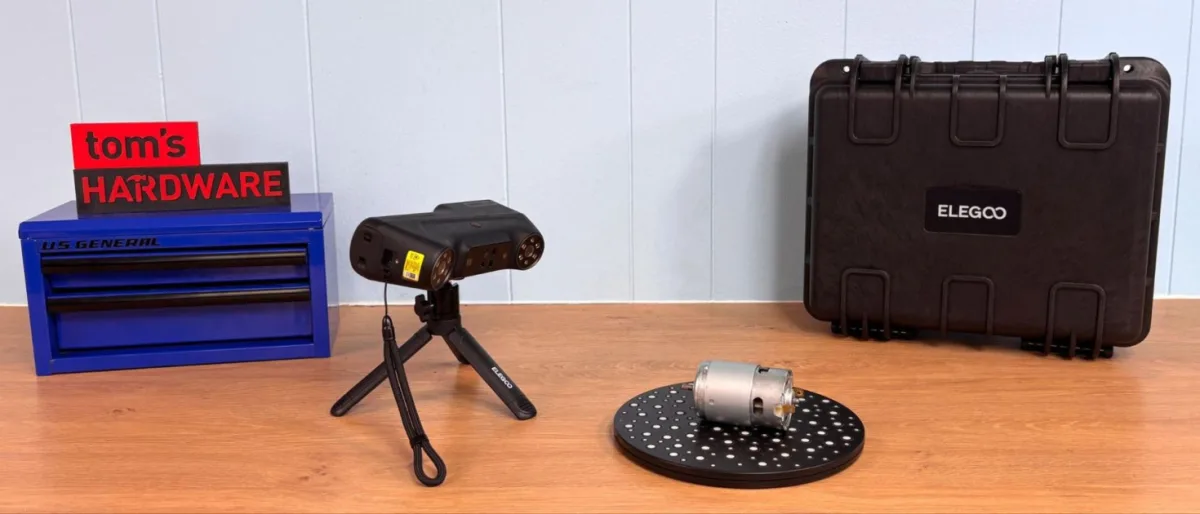
Elegoo has introduced its first 3D scanner, the M1 Ultra, a device equipped with five distinct scanning modes, four blue light laser configurations, and a near-infrared binocular structured light option. The unit features a 3-inch color touchscreen and extended battery endurance, with an additional rechargeable battery included in the package.
Operation of the M1 Ultra hinges on access to a sufficiently powerful computer or Mac for data processing. The scanner connects via USB-C cable or wireless, with the wired connection delivering superior speed. Testing showed reliable operation at approximately five feet from subjects in challenging radio frequency conditions. Priced at $1,599 through Elegoo, the M1 Ultra incorporates capabilities absent from competing models at similar price points.
While the scanner's output quality matches or exceeds other tested units, achieving that quality required additional refinement steps. The final models demonstrated strong fidelity, though the path to completion proved labor-intensive.
What's in the Box
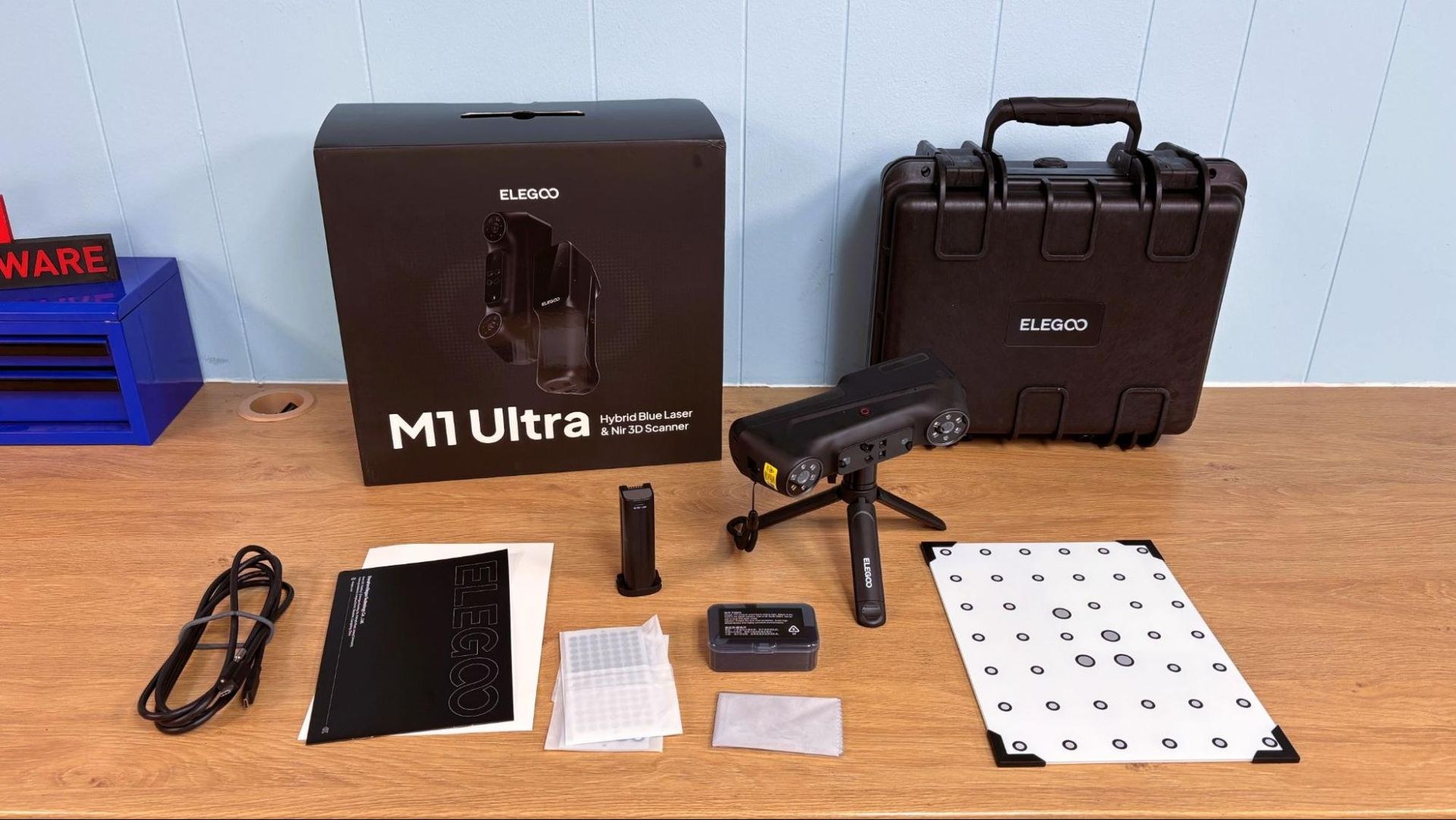
The M1 Ultra arrives with a protective hard case featuring padded interior protection, a glass calibration board, an extra battery, NIR filters, USB-C charging cable, lens cleaning cloth, and marker dots. Notably absent is a turntable for scanning compact objects.
Physical Design and Build
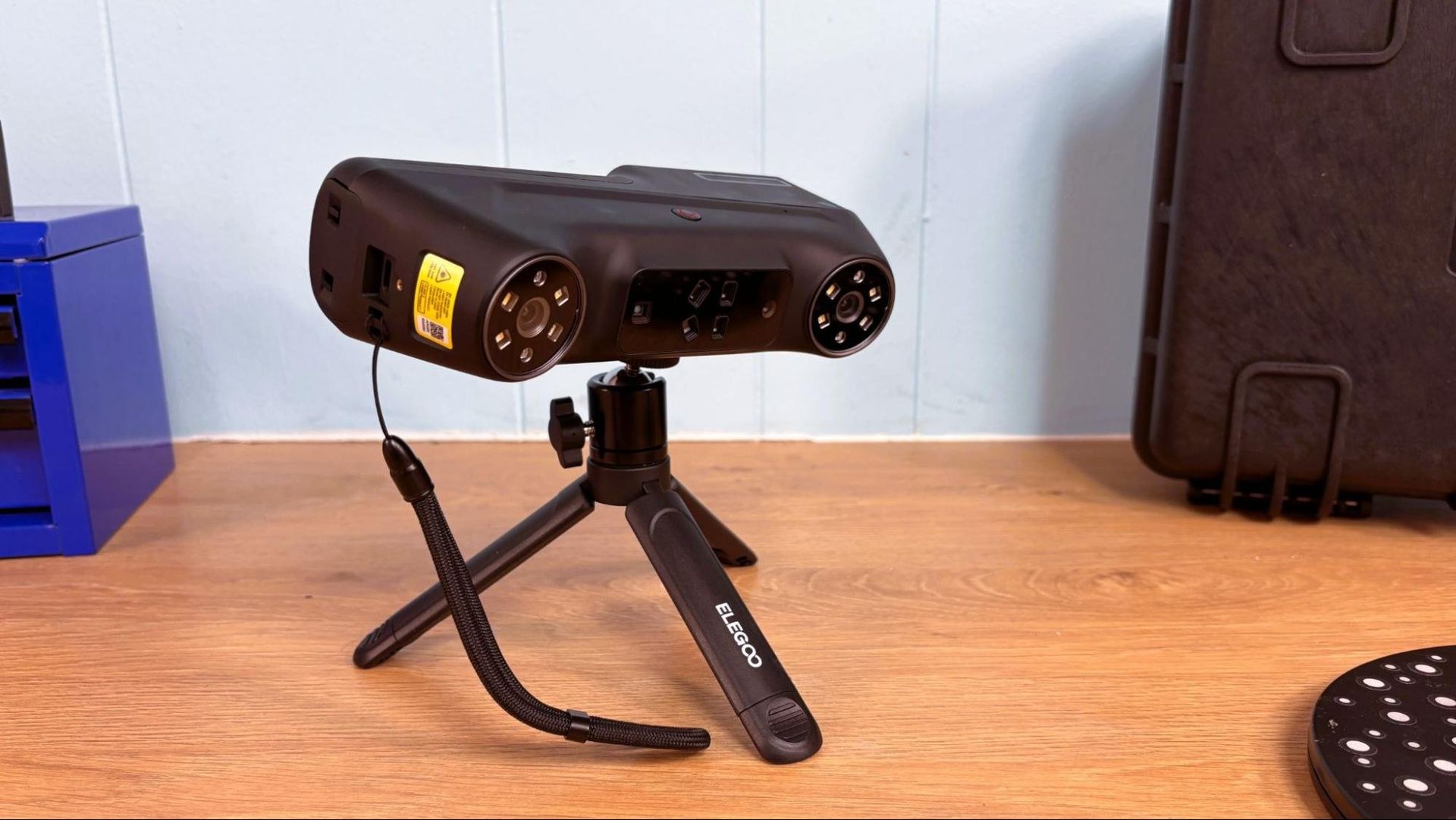
Weighing 511 grams with battery installed, the M1 Ultra incorporates a rubber grip beneath its screen and maintains good weight distribution. Users with larger hands may experience thumb obstruction of the display.
The onboard touchscreen enables parameter configuration, scan initiation and termination, and real-time progress monitoring. Despite its modest 3-inch diagonal, the interface layout proves intuitive. When launching scans directly from the device, the onboard controls override tethered computer inputs.
The scanner's optical assembly comprises blue, white, and infrared LEDs alongside blue lasers and imaging sensors. The bundled NIR filters address outdoor and high-ambient-light scanning scenarios. Battery charging occurs via USB-C when detached, or through the computer during tethered operation. Battery performance proved exceptional throughout testing, with most work completed using a single charge and its backup.
Calibration Process
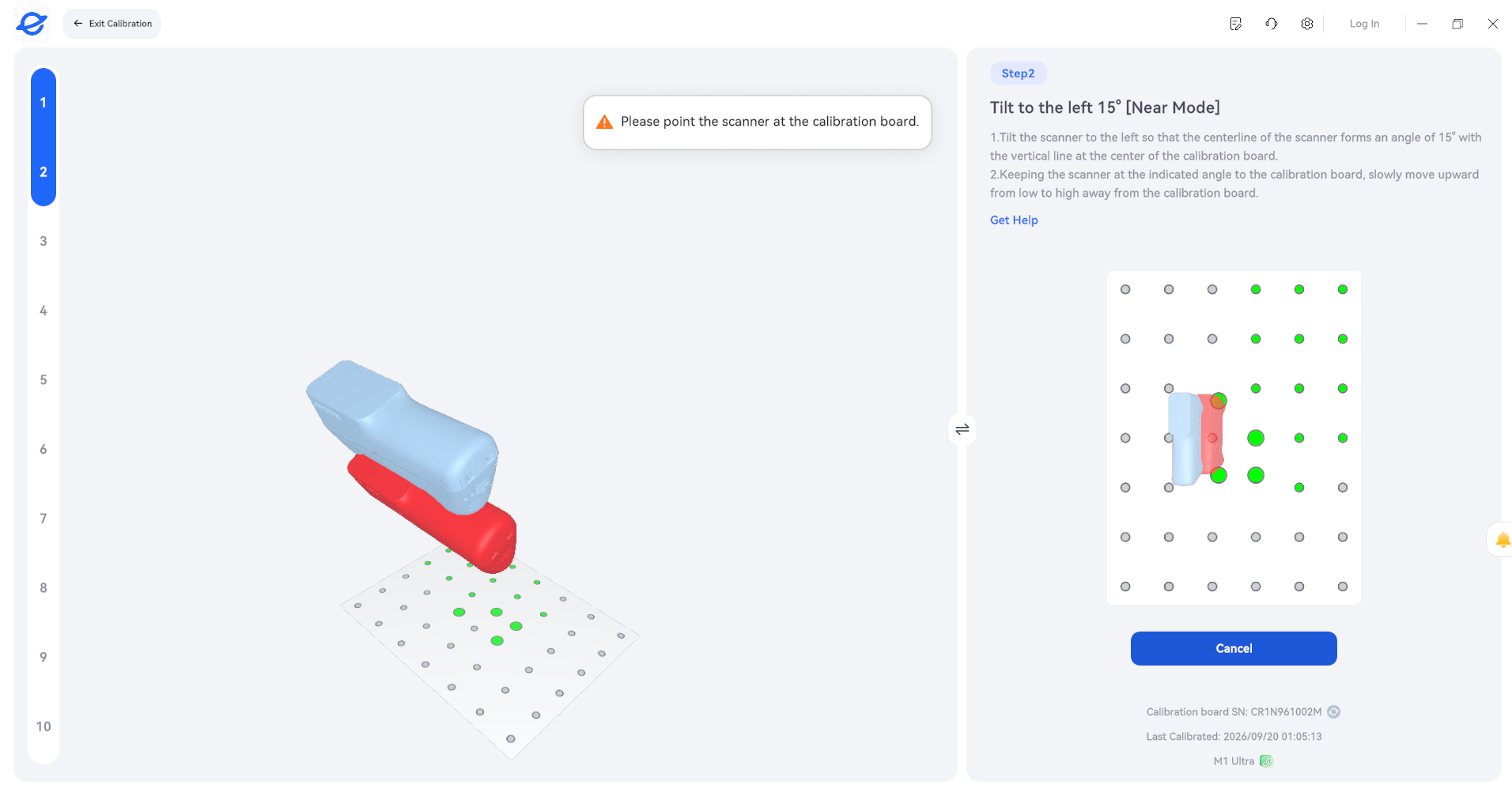
Setting up the M1 Ultra involves straightforward calibration using the included glass board. The scanner is positioned at various angles and heights per on-screen guidance. The software displays target positioning alongside live scanner position, requiring alignment before advancing. Despite calibration being notoriously tedious for many scanners, the M1 Ultra's lightweight design and clear software prompts made this step manageable.
Software Requirements and Installation
Elegoo Scan software is available for Windows and Mac via Elegoo's website. The application shares visual and functional similarities with CrealityScan, simplifying individual scan cleanup and multi-scan stitching. Memory demands are substantial; testing revealed that 8 GB of RAM proved insufficient on a legacy laptop meeting other minimum specifications.
Elegoo recommends Windows 10/11 (64-bit) with Intel Core i7 (13th Gen) or newer, NVIDIA GeForce RTX 4060 or higher with 8 GB VRAM, and 32 GB or more of RAM. Mac users should have macOS 14 or later, Apple M4 or later, and 32 GB or more of RAM. Minimum configurations specify 16 GB RAM, Windows 10/11 (64-bit) with Intel Core i7 (7th Gen) and NVIDIA GPU (6 GB VRAM) for PC, or macOS 14 or later with Apple M2 CPU for Mac.
Blue Laser Scanning Modes
The M1 Ultra offers four blue laser scanning configurations: 34 crossed laser lines for expedited scanning, 7 parallel lines for enhanced detail capture, 1 line for penetrating recessed or difficult-to-reach geometry, and a markerless option. Reduced line counts correlate with extended scan durations.
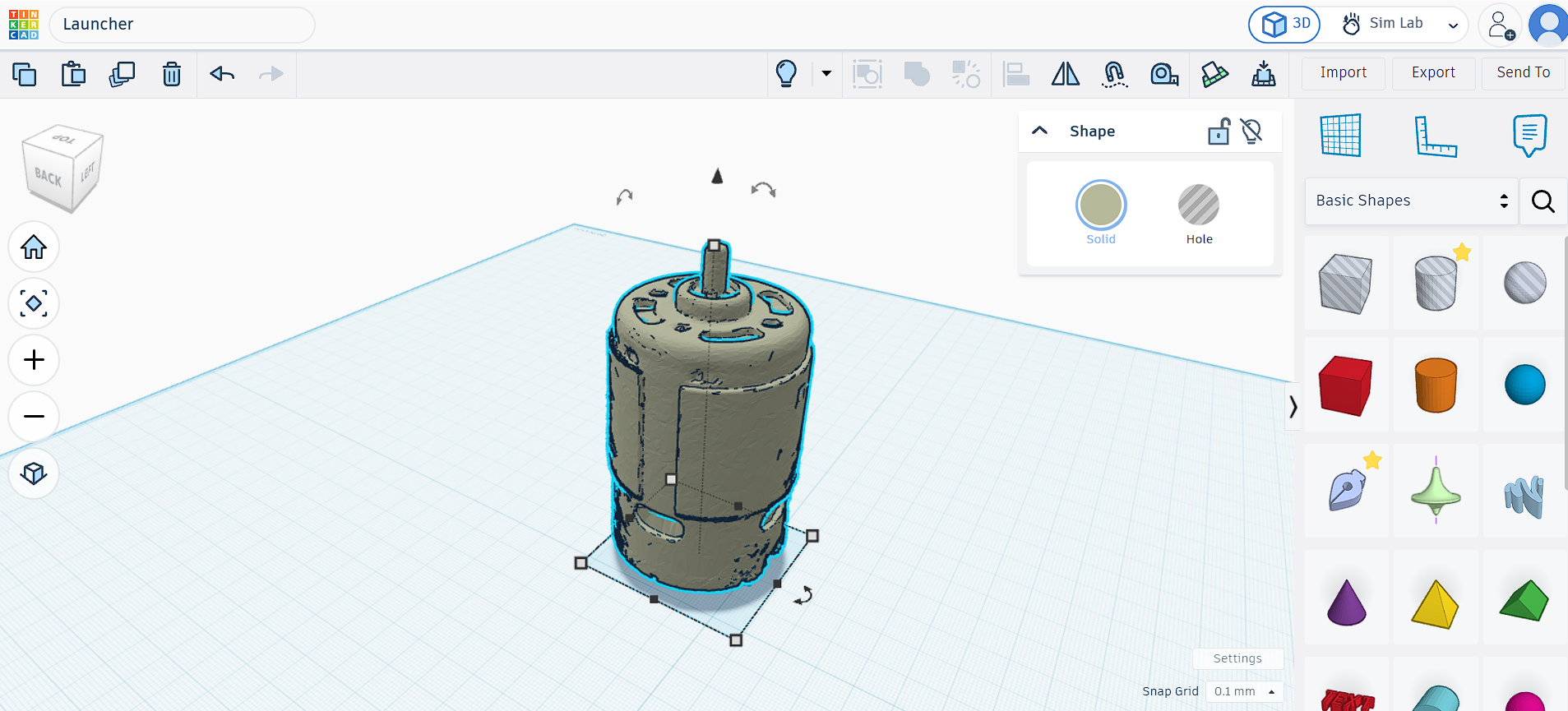
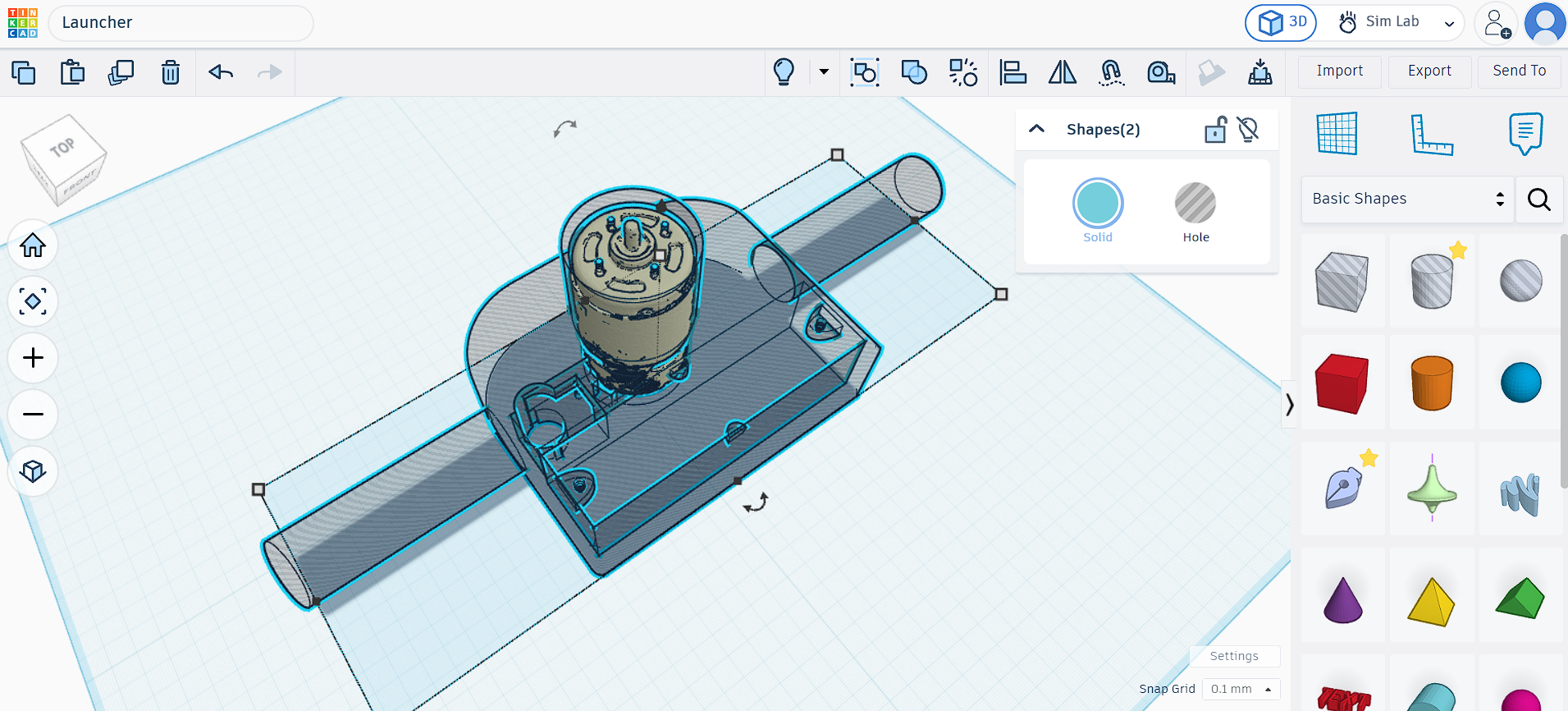
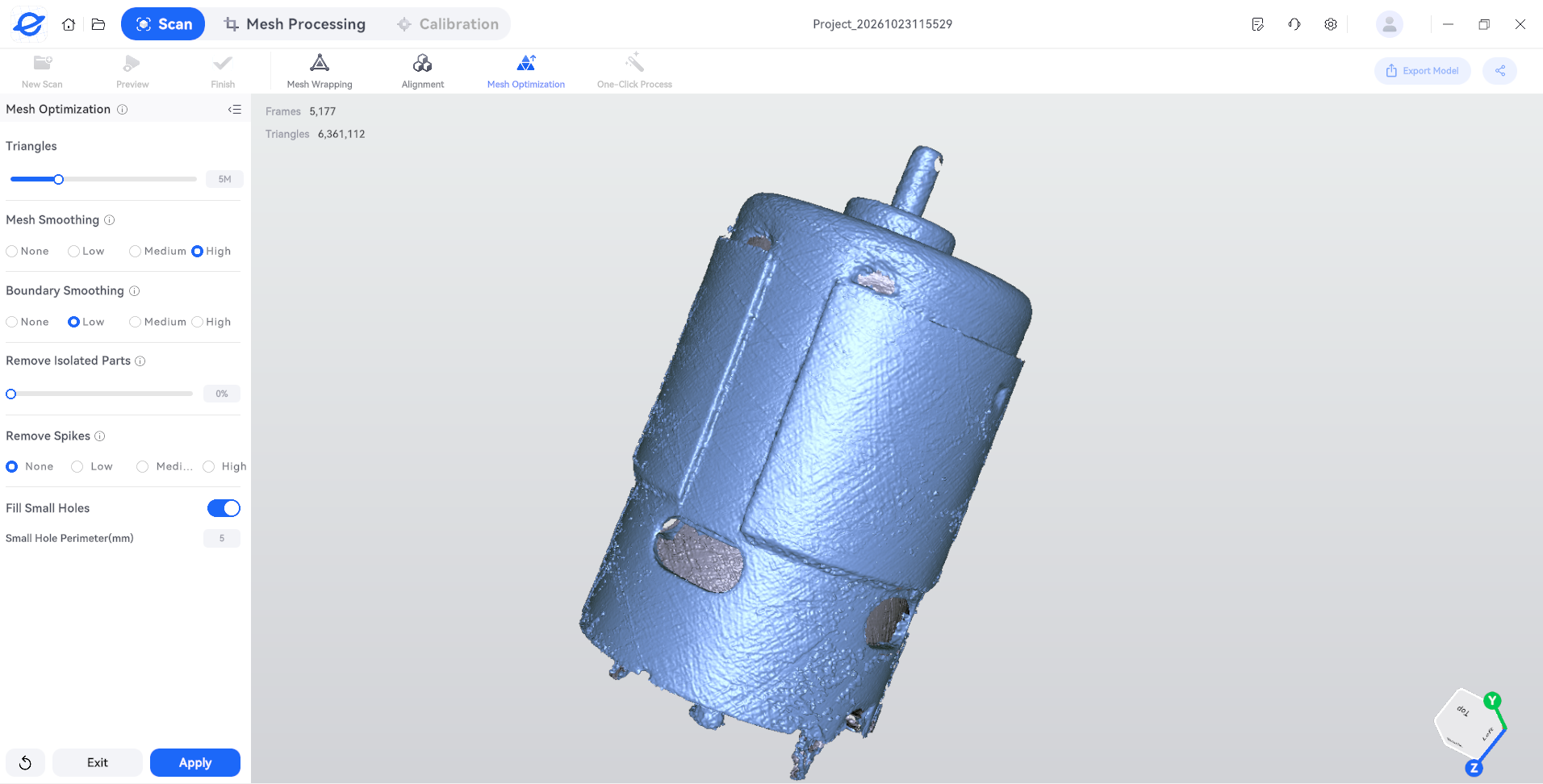
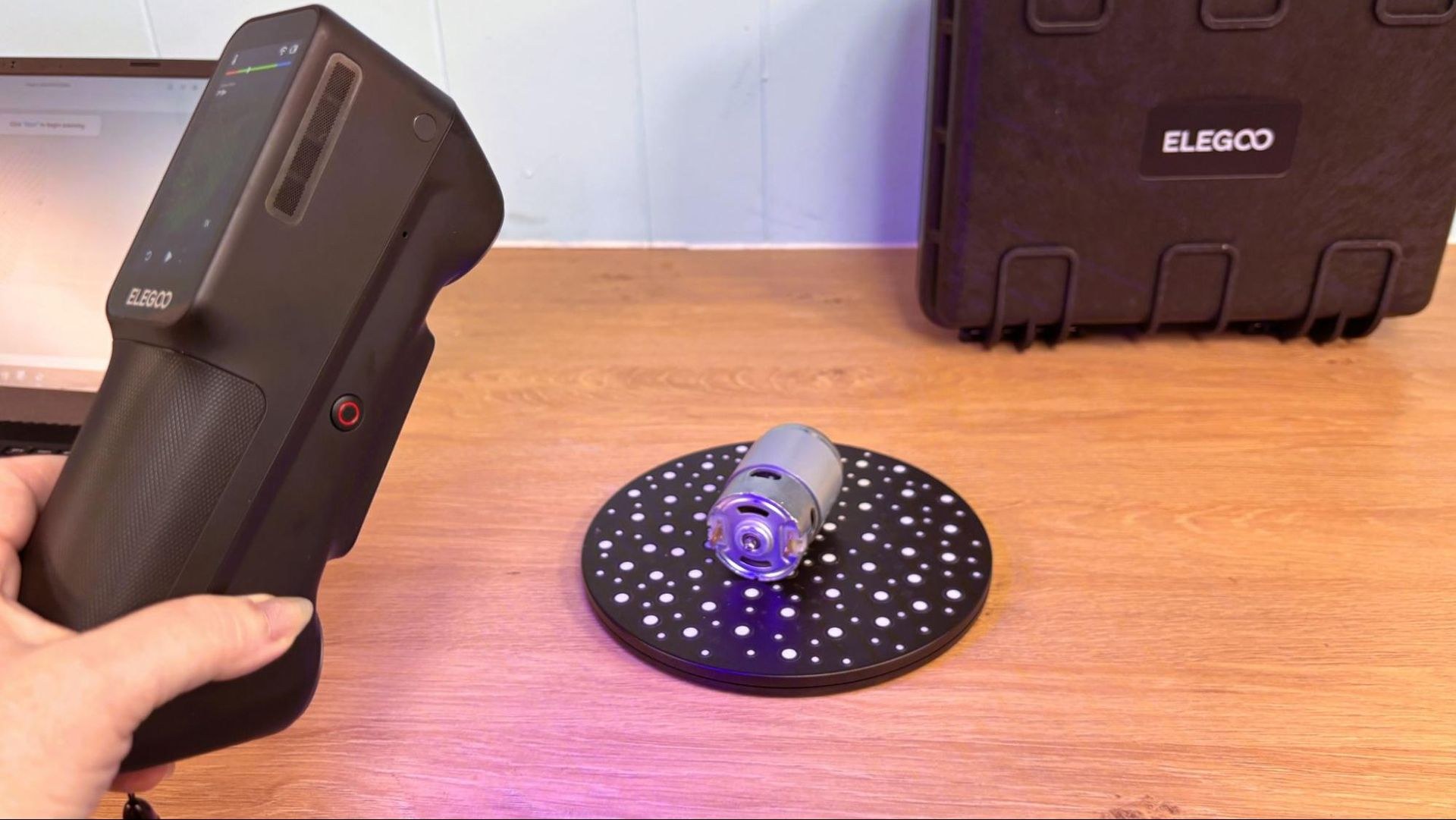
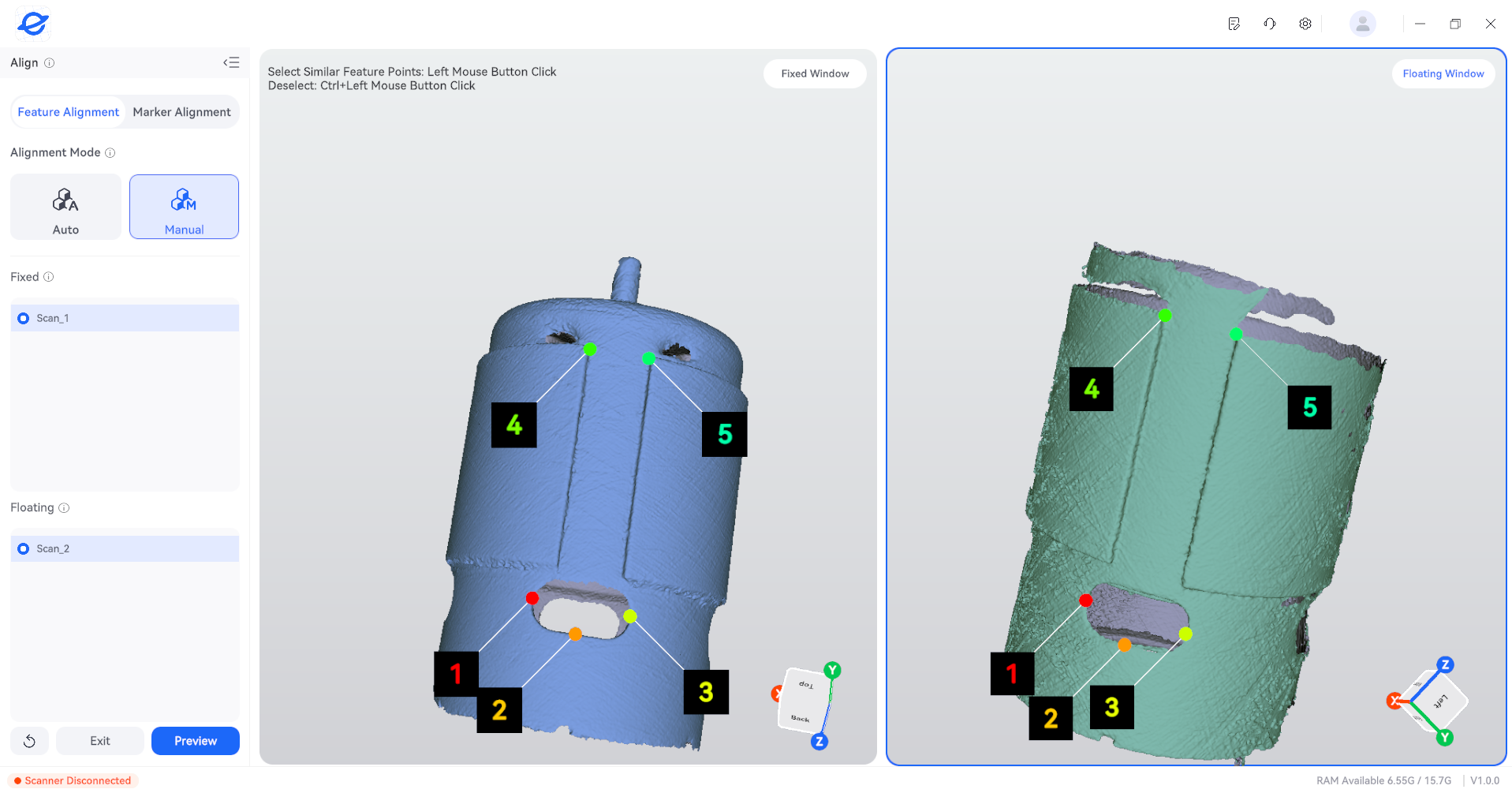
Testing included scanning an 895 brushed motor typical of drill applications for integration into a 3D printing workflow. The motor required multiple passes, with the scanner struggling to capture reflective surfaces. Two scans yielded sufficient data for practical use. The software's automatic alignment function performed adequately in most situations but faltered with this geometry; manual alignment using matched marker points succeeded without requiring precise placement.
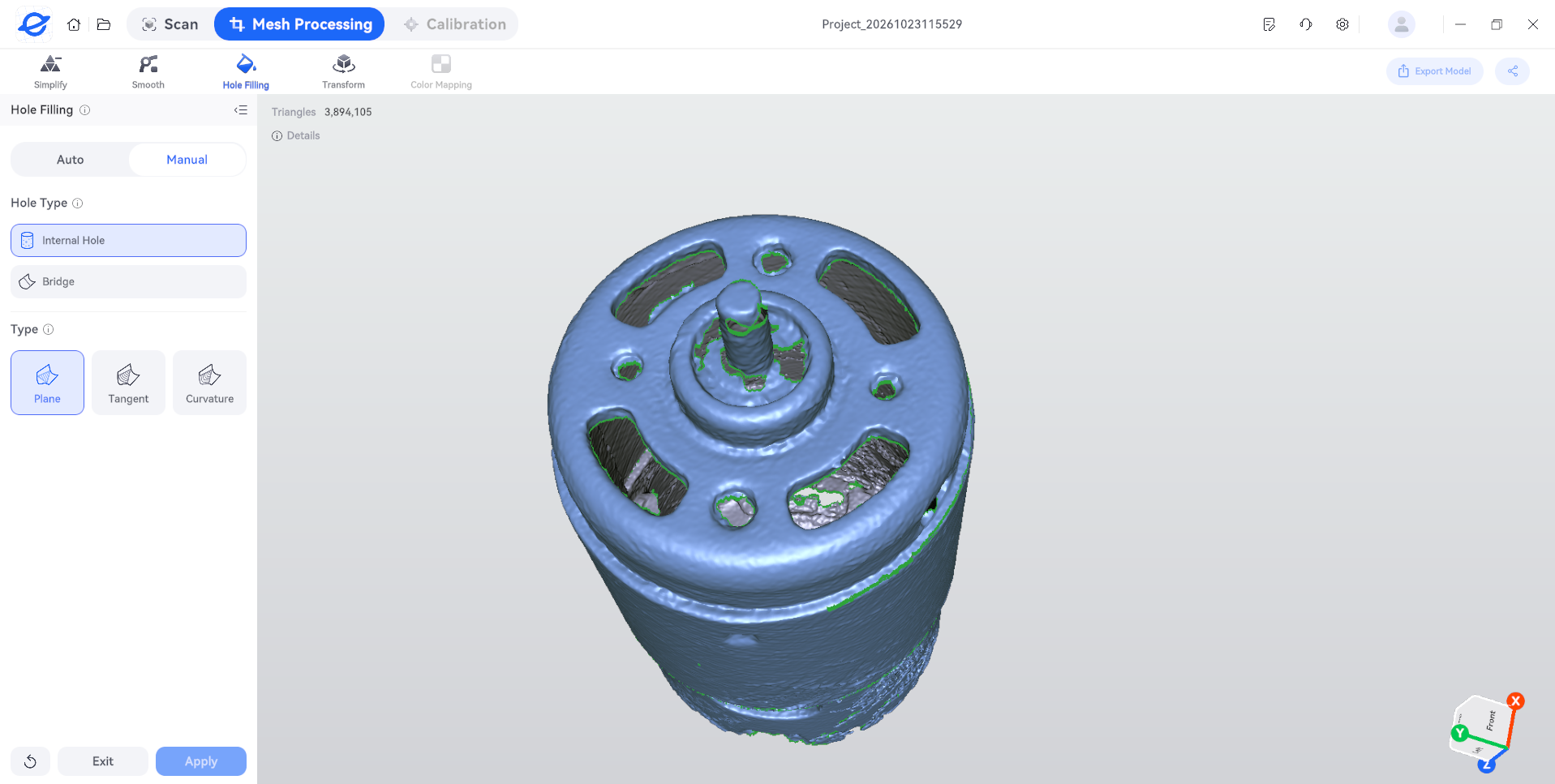
Post-scan mesh processing includes hole filling with both automatic and manual options. Automatic hole filling threatened to seal functional screw and cooling holes, necessitating manual intervention by clicking individual holes. While tedious, this approach proved effective. Following hole filling, smoothing, and simplification, the file exported as STL format and opened successfully in Tinkercad, with dimensions and hole alignment suitable for project integration.
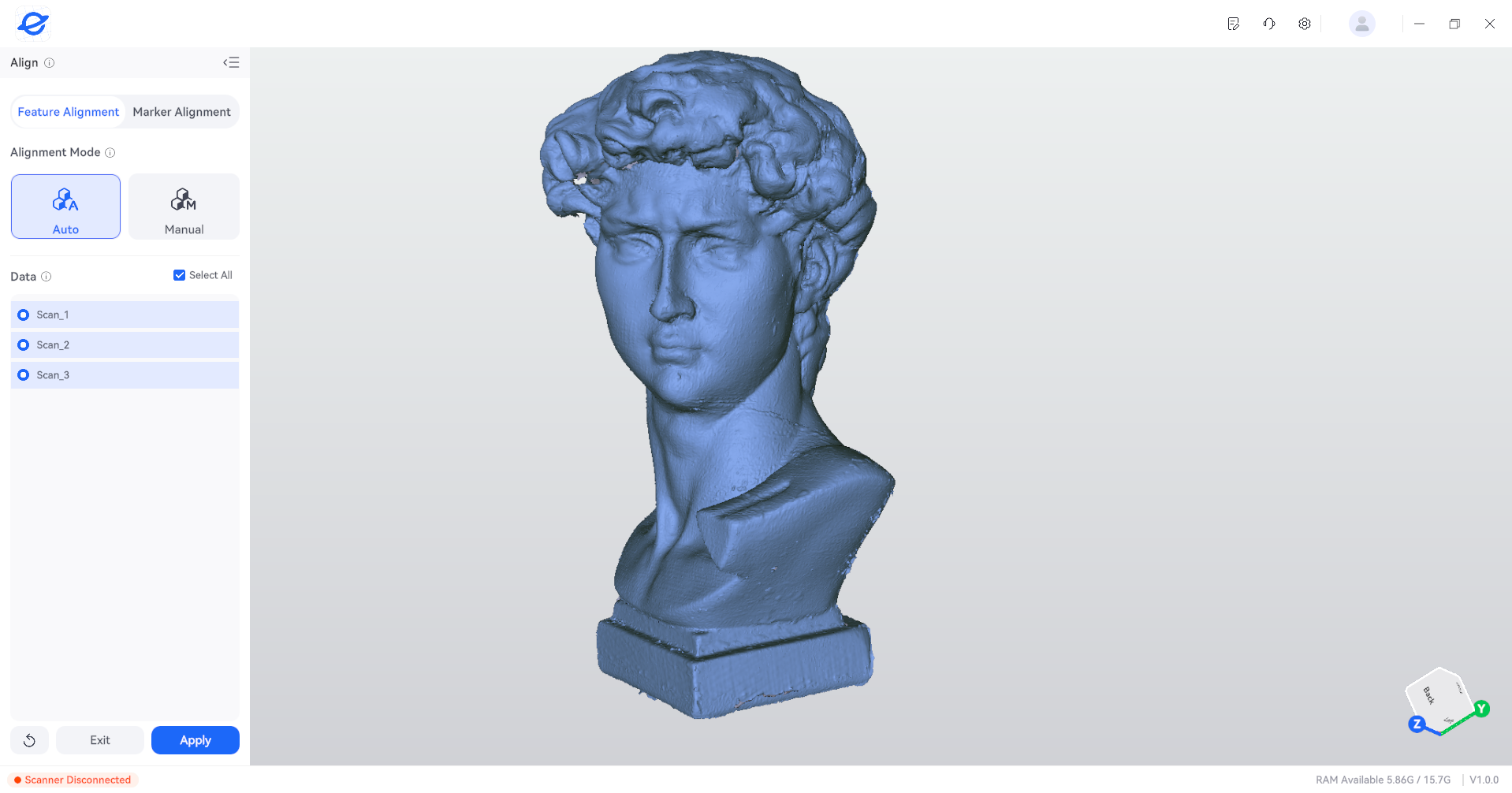
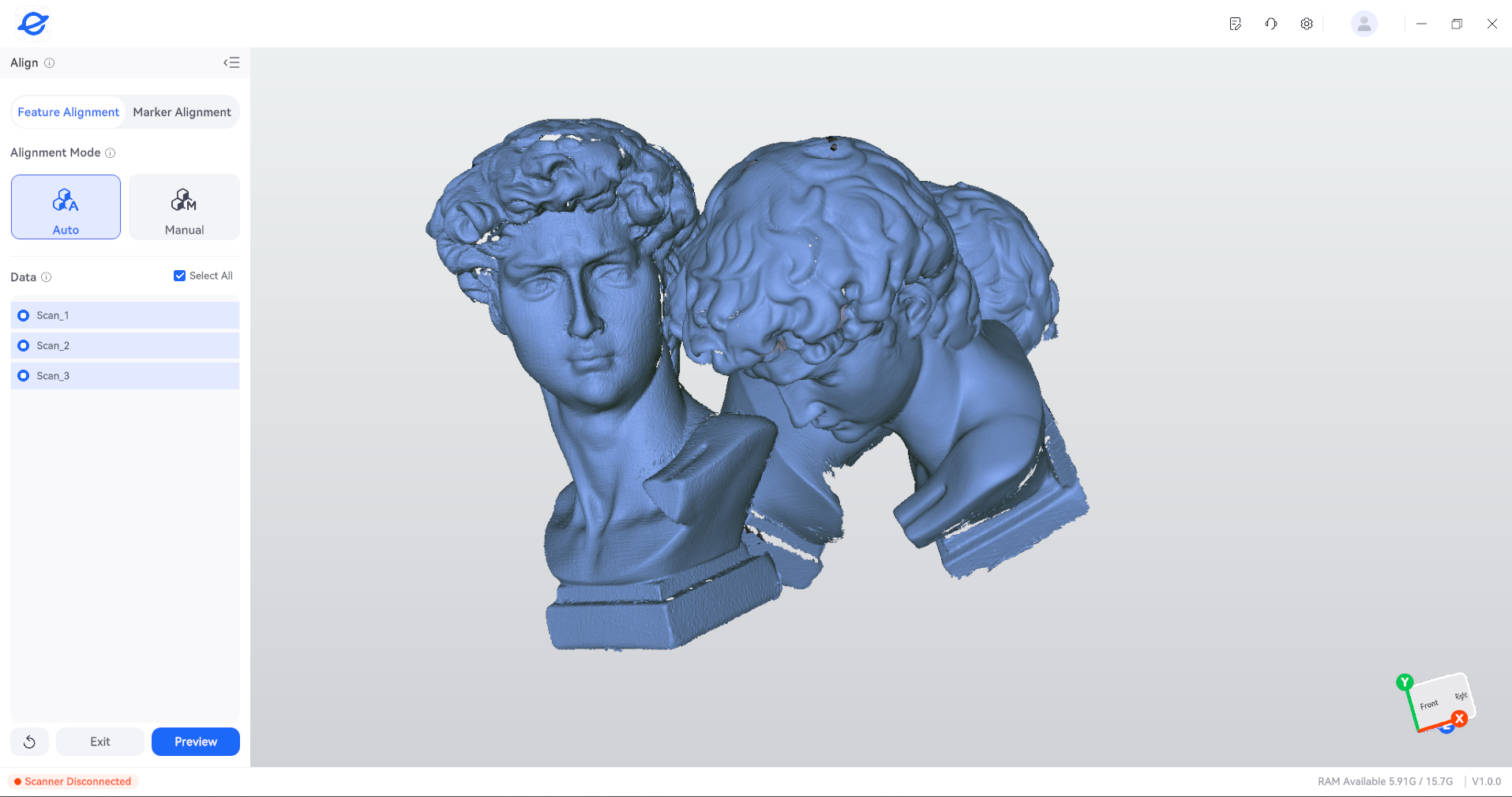
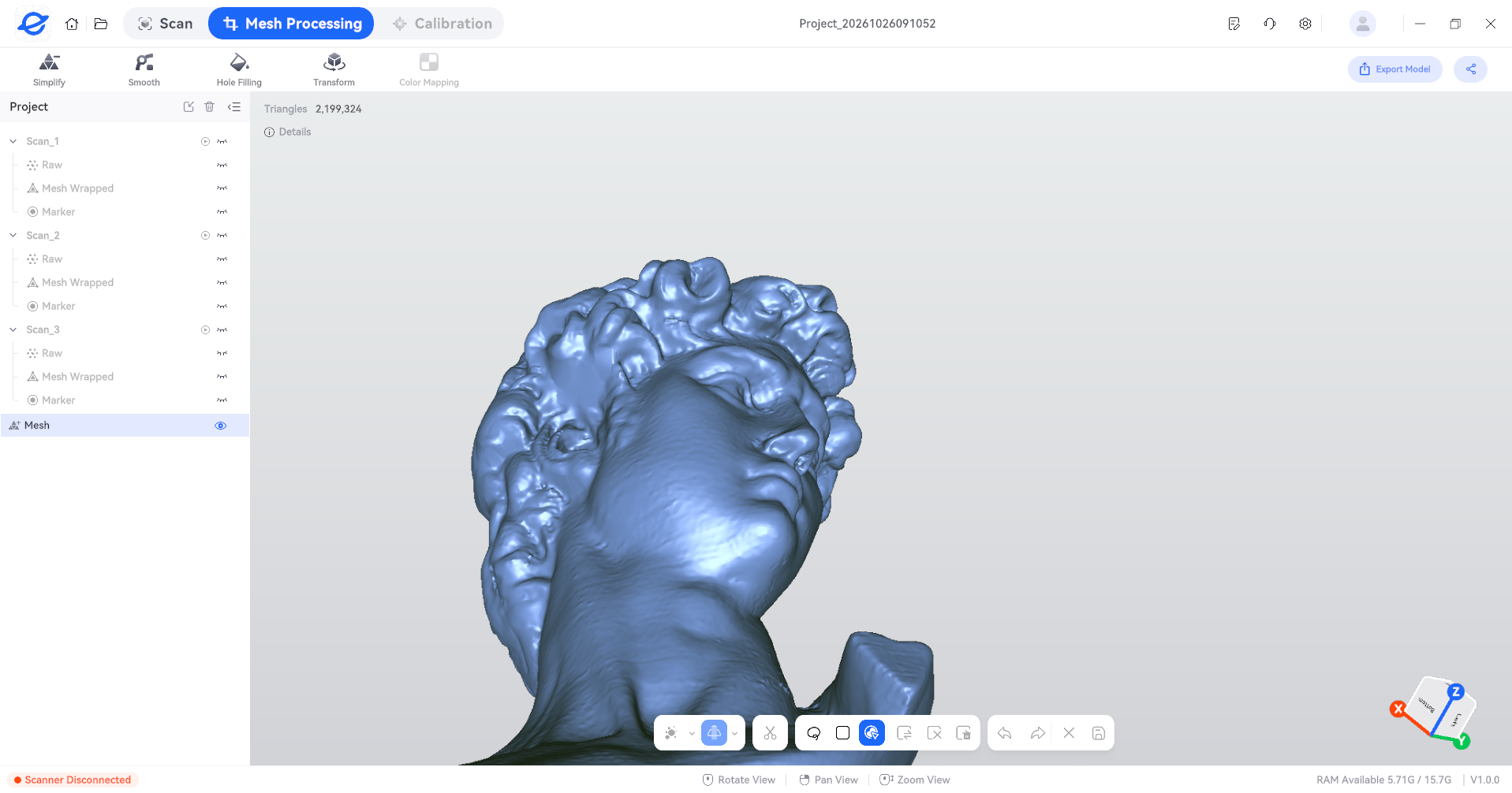
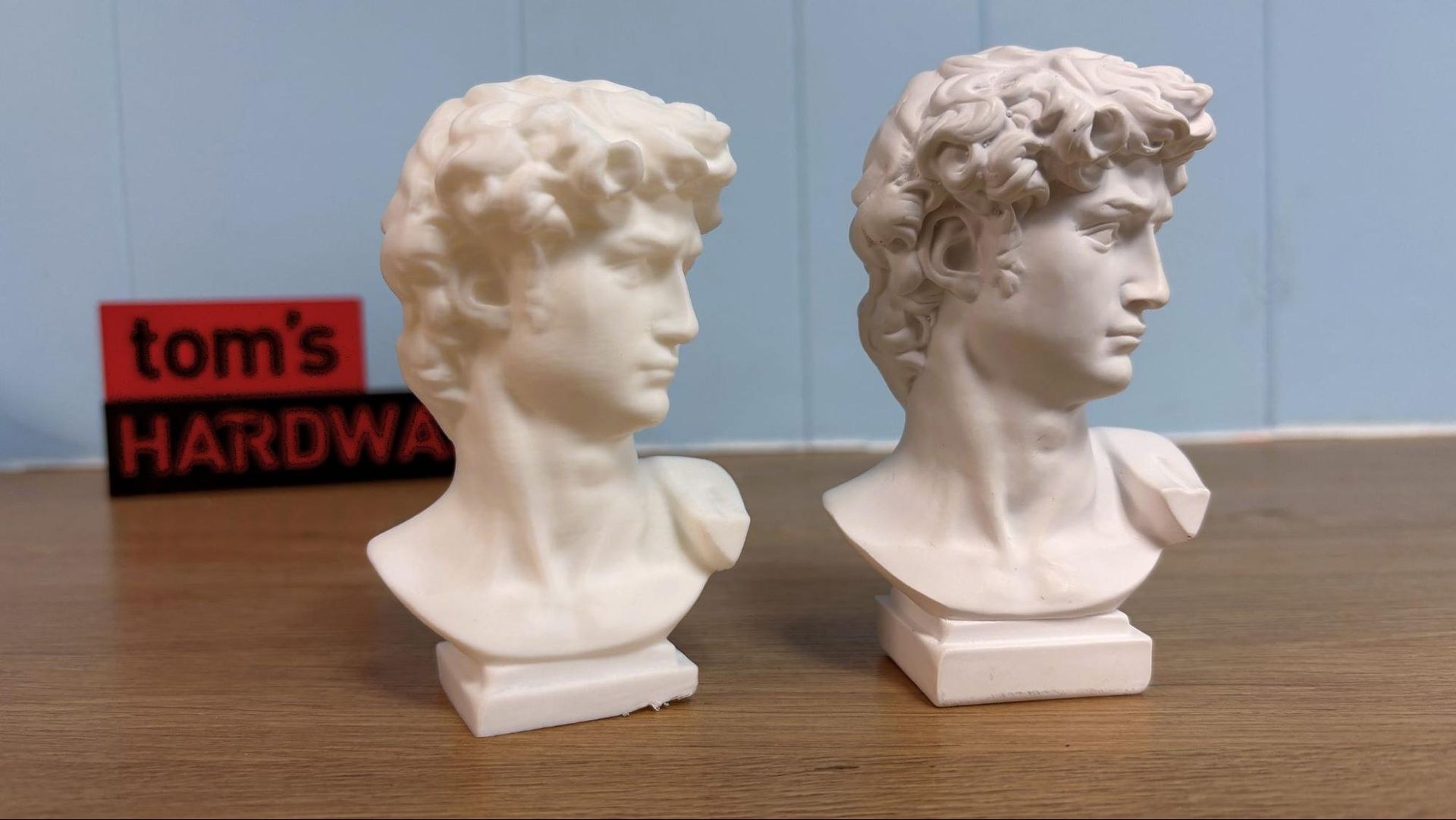
A Michelangelo's David bust, used as a standard test subject, required three scans for satisfactory coverage—a pattern repeated throughout M1 Ultra testing. Automatic alignment functioned flawlessly in this instance. Despite multiple scans, minor gaps remained, including a smooth flat area above David's left ear. The resulting model ranked among the highest quality produced, printing exceptionally well after export. A visible flaw at the print base stemmed from bed adhesion rather than model defects.
Near-Infrared Scanning
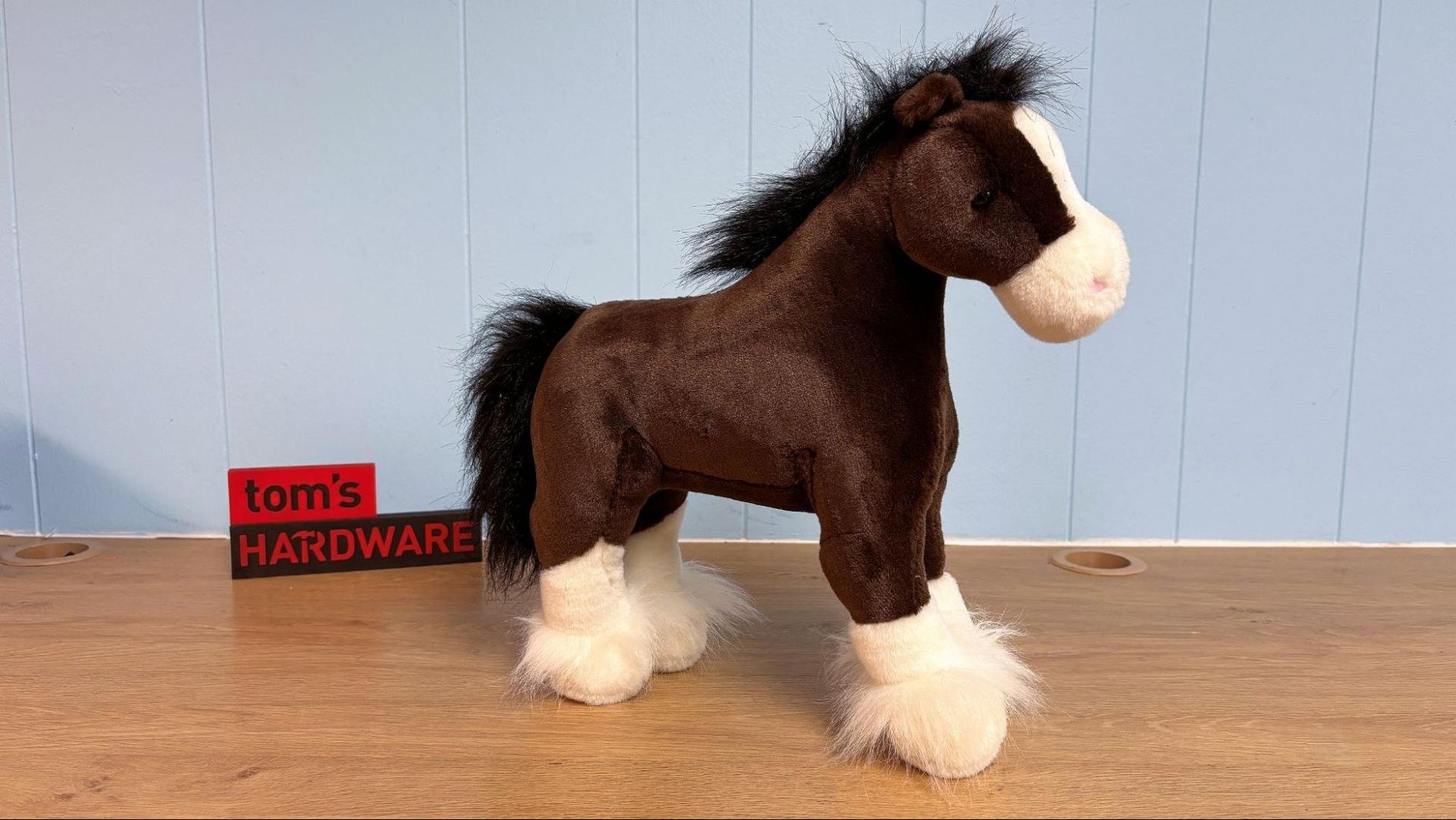
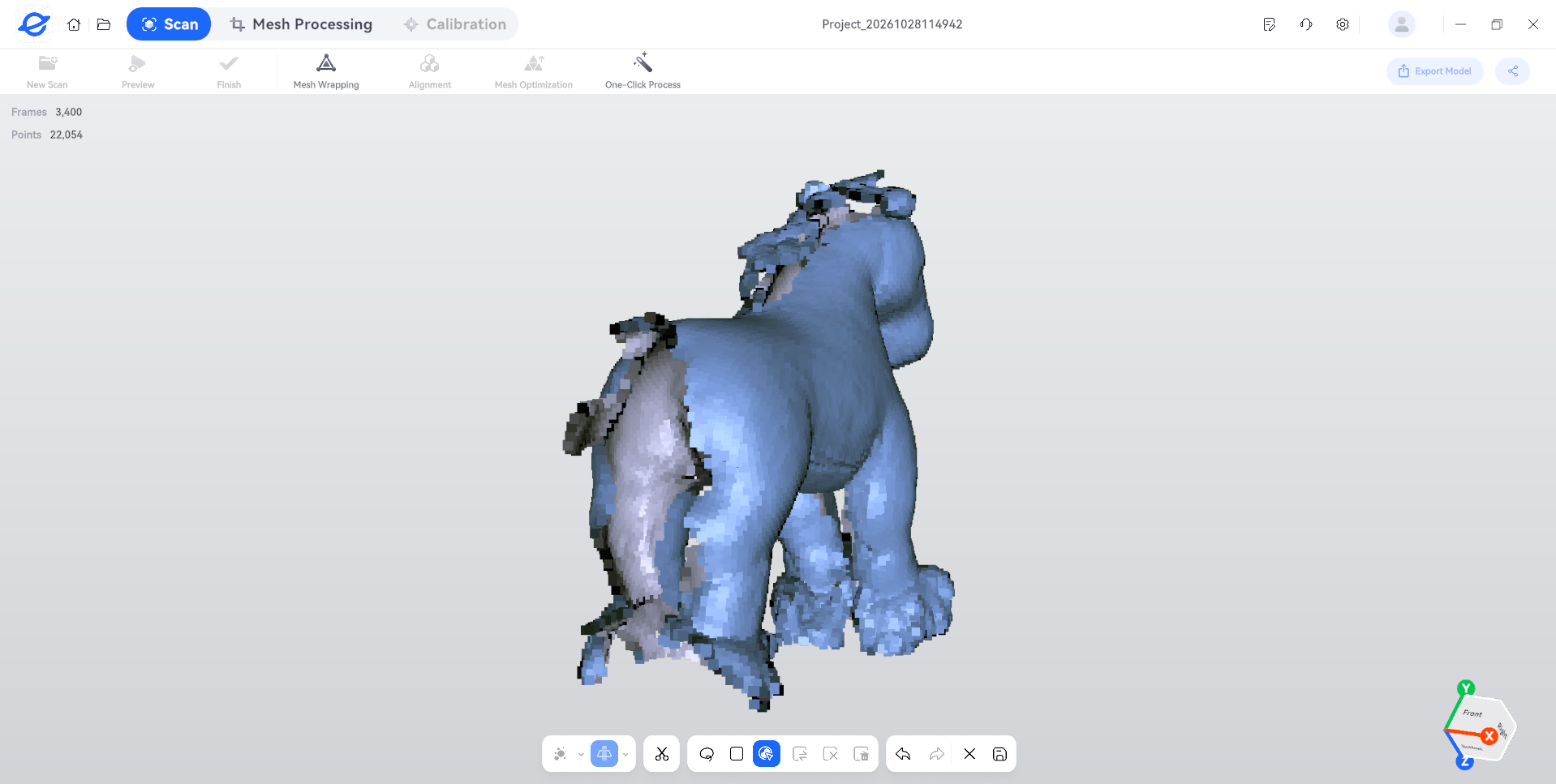
NIR mode testing substituted a stuffed Clydesdale toy for human subjects, illustrating a cautionary principle: 3D scanners universally struggle with black objects that absorb rather than reflect light. Scans produced acceptable results but exhibited substantial voids where the mane and tail lacked sufficient reflectivity.
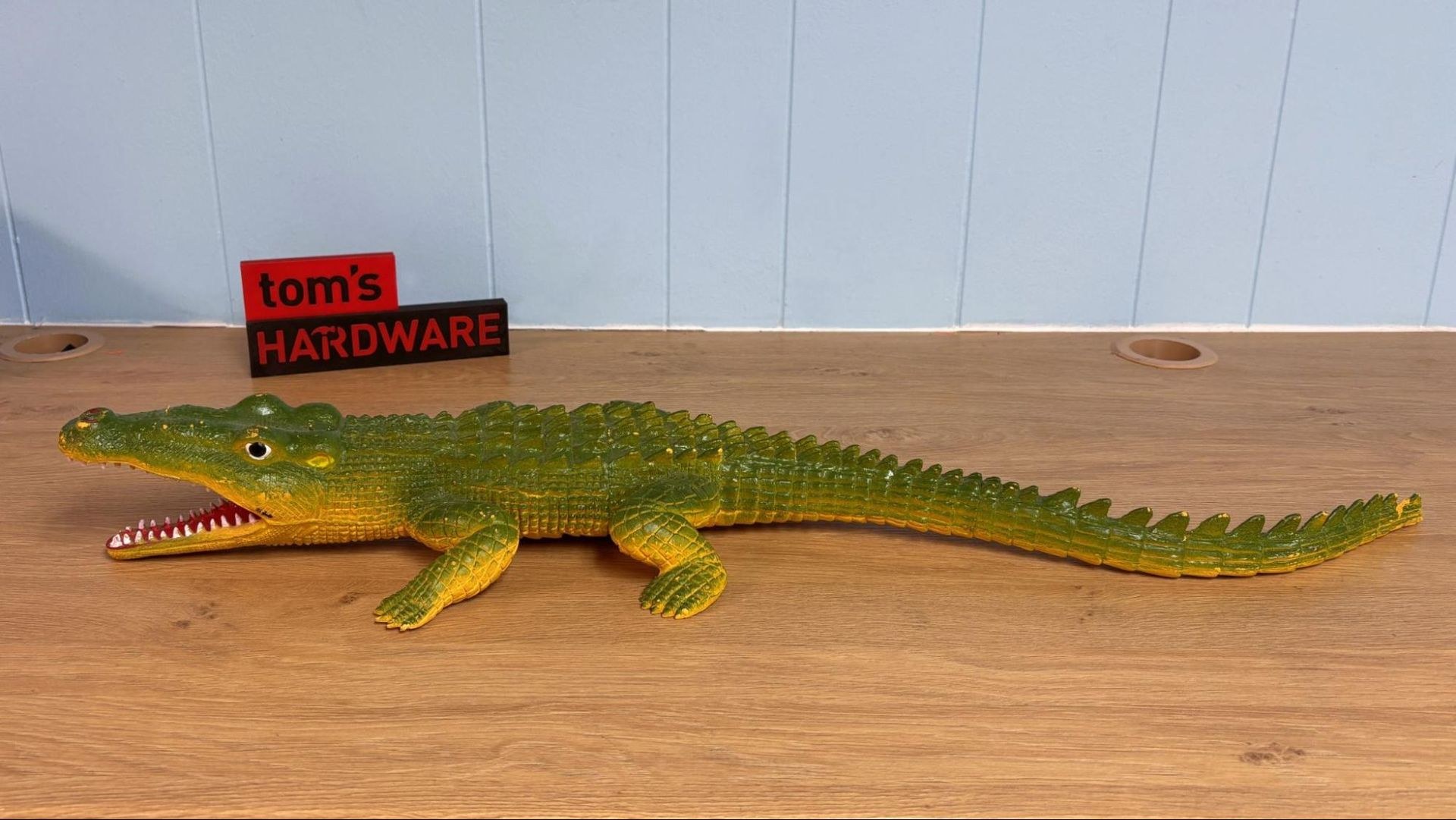
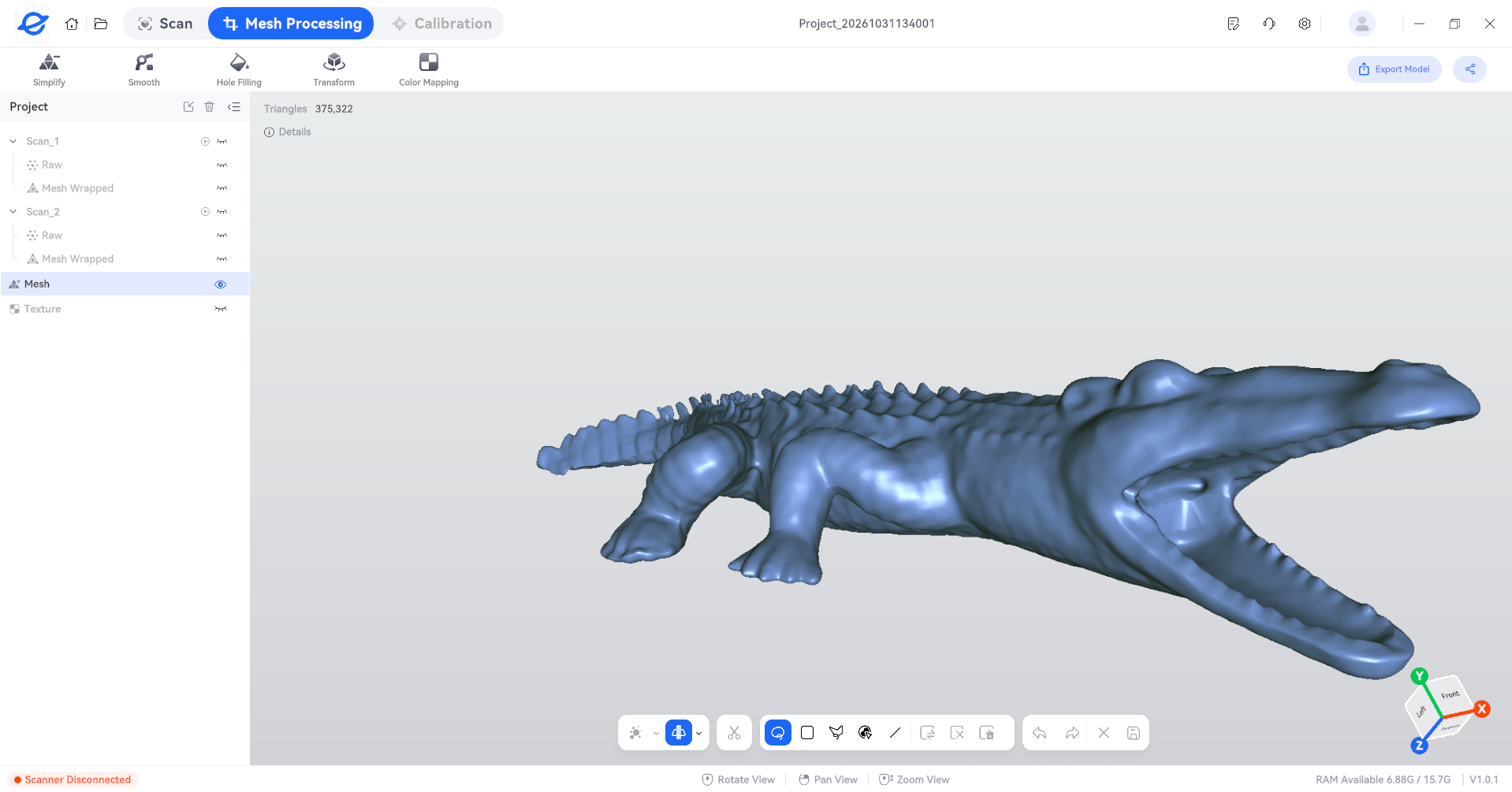
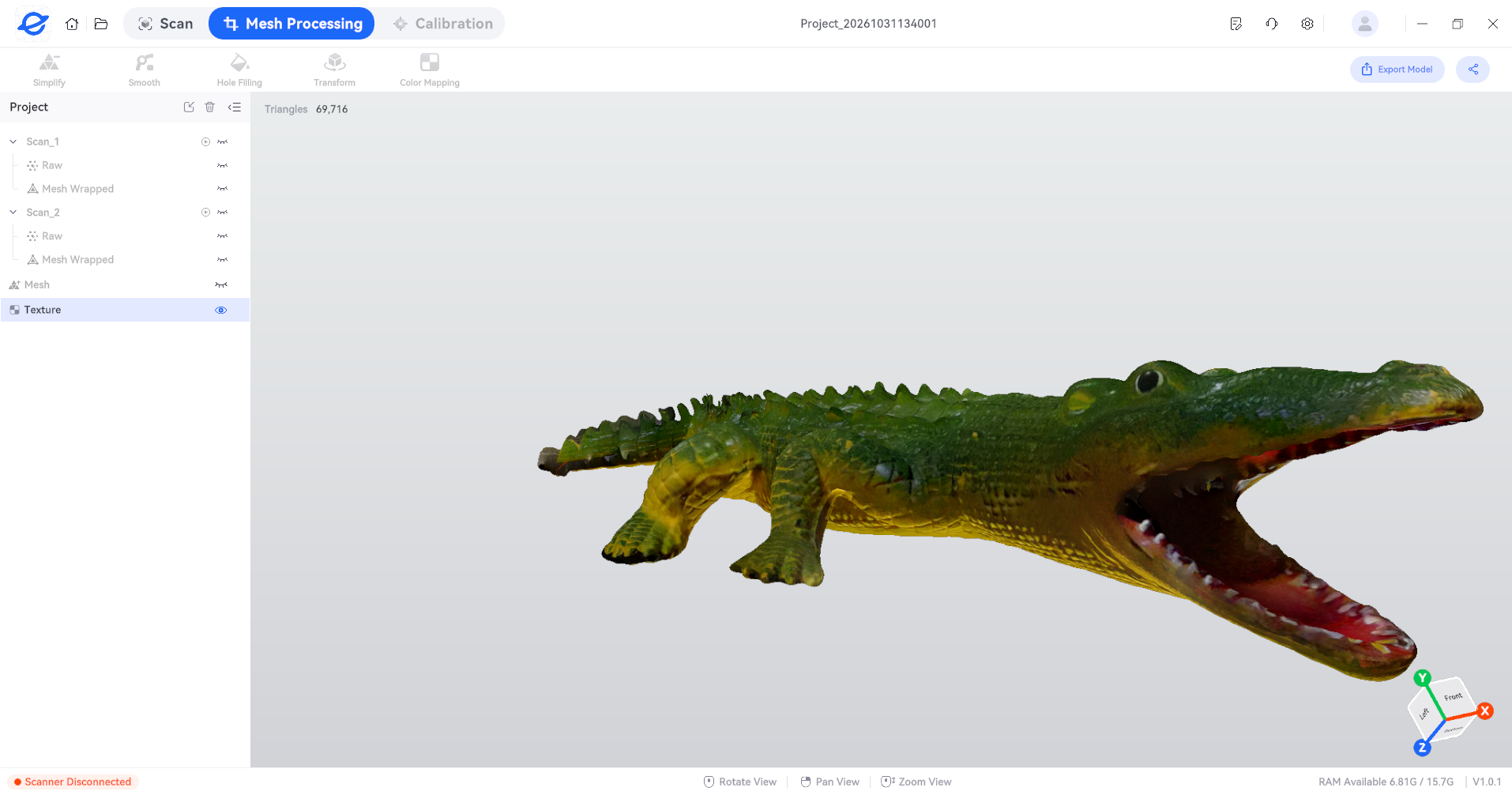
An alligator toy yielded superior results. Operating at 30 frames per second in NIR mode, the scanner captured the subject in two passes without excessive overlapping coverage that could introduce processing artifacts. Automatic alignment between scans functioned smoothly, producing a high-quality finished model. Color texture mapping proved accurate except for the mouth area, which required hole filling.
Final Assessment
The M1 Ultra represents a capable scanner with competitive features at its price tier. Its lightweight construction, integrated screen, extended battery life, and stable wireless connectivity enhance usability.
ElegooScan software proves reasonably user-friendly, streamlining calibration and raw-to-usable-model conversion. However, the M1 Ultra consistently required multiple scans for adequate object coverage, whereas some competing scanners achieve comparable results in single passes. This multi-scan approach demands considerable time and computational resources, particularly during cleanup and alignment phases. ElegooScan provides necessary tools for managing this workflow. Even with quality models, supplementary CAD or design software typically becomes necessary for optimal scan utilization.
Budget-conscious buyers might consider the Creality Pika at $699, which delivers excellent performance at lower cost. Those seeking greater processing capability should evaluate the Creality Sermoon S1 at $2,069. Creality also manufactures the Sermoon P1, a fully untethered option retailing for $3,299.